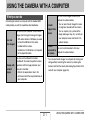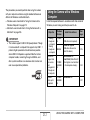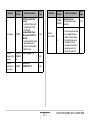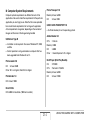
1
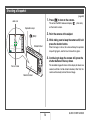
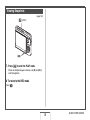
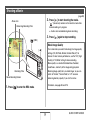
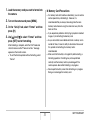
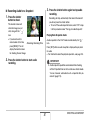
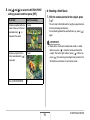
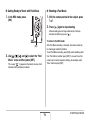
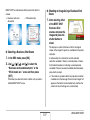
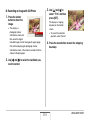
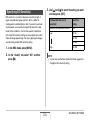
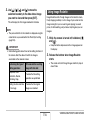
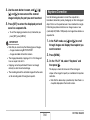
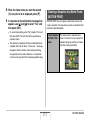
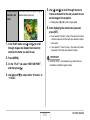
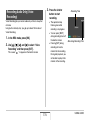
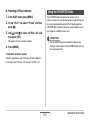
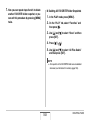
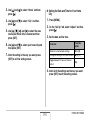
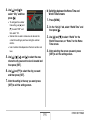
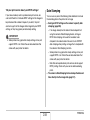
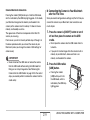
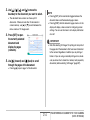
3. Press the shutter
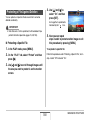
Recording Audio Only (Voice
Recording)
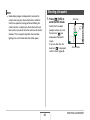
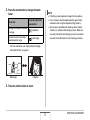
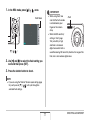
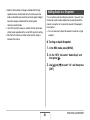
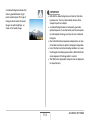
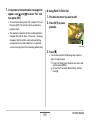
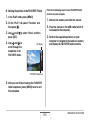
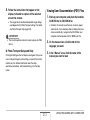
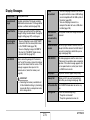
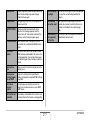
• The operation lamp
flashes green while
recording is in progress.
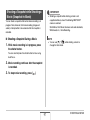
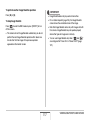
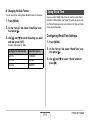
• You can press [DISP]
during recording to turn off
the monitor screen.
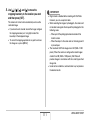
• Pressing [SET] during
recording will insert a
marker into the recording.
During later playback, you
will be able to jump to the
markers in the recording.
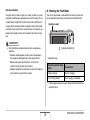
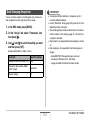
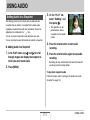
Voice Recording lets you record audio only, without a snapshot
or movie.
Using built-in memory only, you get up to about 18 minutes of
Voice Recording.
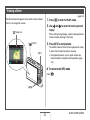
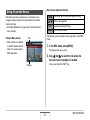
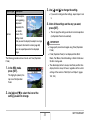
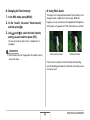
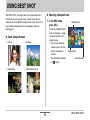
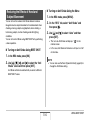
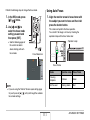
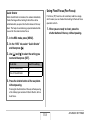
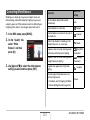
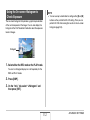
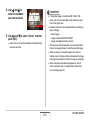
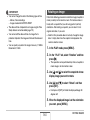
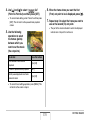
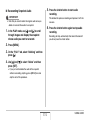
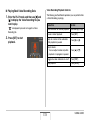
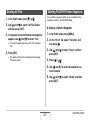
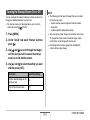
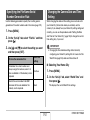
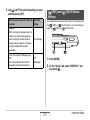
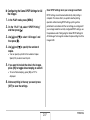
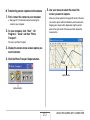
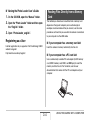
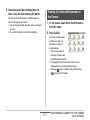
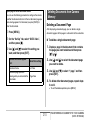
1. In the REC mode, press [BS].
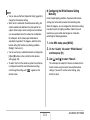
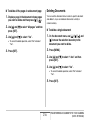
2. Use [S], [T], [W], and [X] to select “Voice
Recording” and then press [SET].
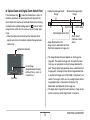
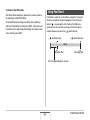
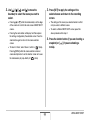
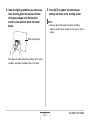
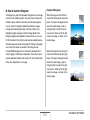
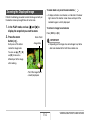
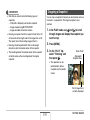
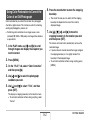
This causes “
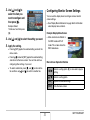
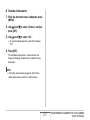
Recording Time
button to start
recording.
” to appear on the monitor screen.
176
Remaining Recording Time
USING AUDIO