1
Section 2, Installation and Operation
Front Panel
MX2800 STS-1 User Manual
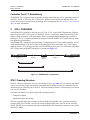
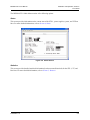
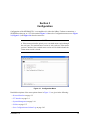
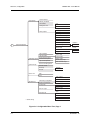
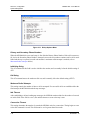
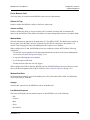
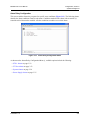
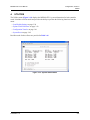
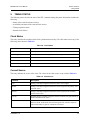
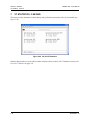
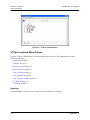
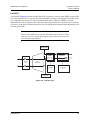
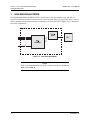
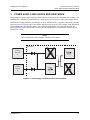
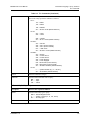
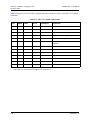
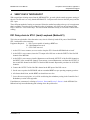
Figure 2-5. ADTRAN STS-1 Main Menu
NOTE
The letter displayed in the upper left-hand corner of the terminal menu
indicates which controller card is active (A or B).
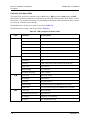
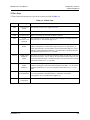
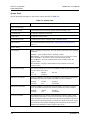
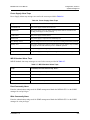
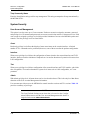
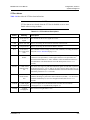
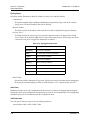
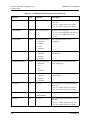
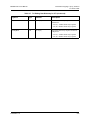
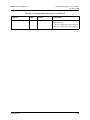
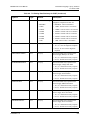
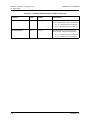
Navigating Within the Menus
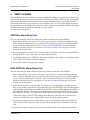
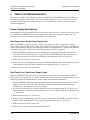
Navigate within the MX2800 STS-1 terminal menus using the following procedures:
To...
Then...
Select an item
Press the number corresponding to a choice, and then press the
ENTER key
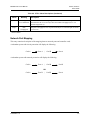
Scroll left and right within the same screen
Press the left and right arrow keys. Additional screens are available
when < or > is displayed in the top portion of the menu
Return to the previous menu
Press the ESC key
End the terminal session
Press CTRL+C
Refresh the display
Press CTRL+R
Scroll up or down within the same screen
Press the up or down arrow keys. Additional screens are available
when ∧ or ∨ is displayed in the top portion of the menu
2-10
61204659L1-1A