1
Chapter 5: Configuration
Partition Management
5.8.3 Partition Management
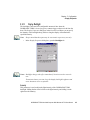
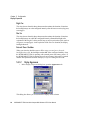
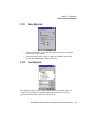
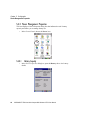
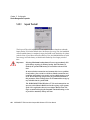
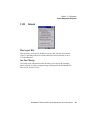
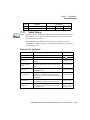
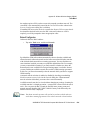
Partitions can be individually dismounted, mounted, deleted, or formatted as well.
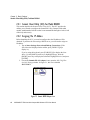
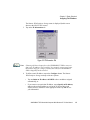
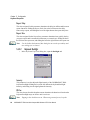
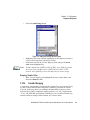
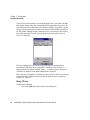
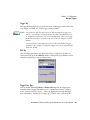
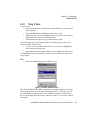
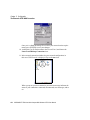
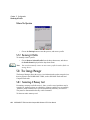
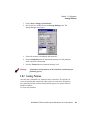
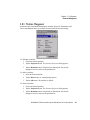
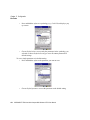
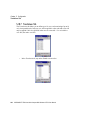
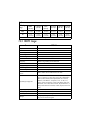
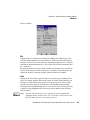
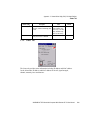
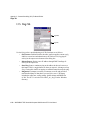
These and additional tasks are available from the Partition Properties dialog:
To dismount a partition:
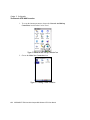
1. Choose the desired partition.
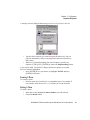
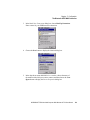
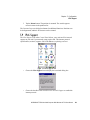
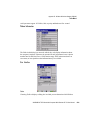
2. Tap the Properties button. The Partition Properties dialog appears.
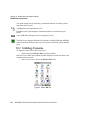
3. Tap the Dismount button. The partition is dismounted. The asterisk
disappears next to its name in the partitions list.
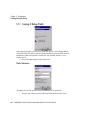
To delete a partition:
1. Select the desired partition.
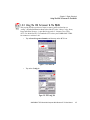
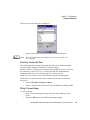
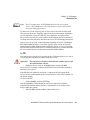
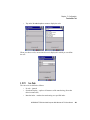
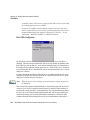
2. Tap the Delete button. A warning dialog appears.
3. Tap the OK button. The partition is deleted.
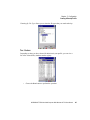
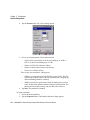
To format a partition:
1. Choose the desired partition.
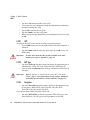
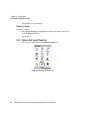
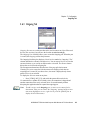
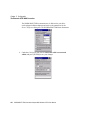
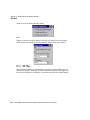
2. Tap the Properties button. The Partition Properties dialog appears.
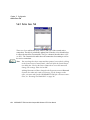
3. Tap the Dismount button. The partition is dismounted. The asterisk
disappears next to its name in the partitions list.
WORKABOUT PRO Hand-Held Computer With Windows CE 5.0 User Manual
131