1
Chevrolet Captiva Sport Infotainment System (GMNA-Localizing-US/Canada6225549) - 2014 - 2nd crc - 9/16/13
60
Black plate (60,1)
Infotainment System
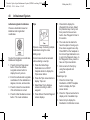
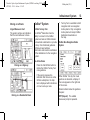
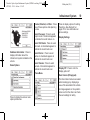
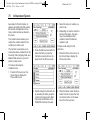
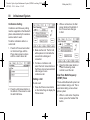
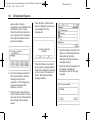
Display Mode: Press Display
Mode to change the screen
background. This setting controls
map colors.
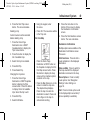
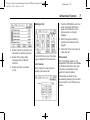
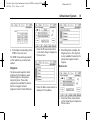
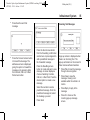
Brightness
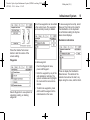
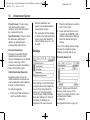
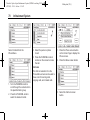
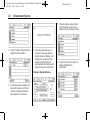
Low Fuel Alert (If Equipped)
If the vehicle reaches a low fuel
level, the system displays an alert
about the low fuel condition. Press
the Show Fuel Stations screen
button to view nearby gas stations,
and start guidance if desired.
If the remaining driving distance is
available from the system, this is
included in the alert.
Global Positioning
System (GPS)
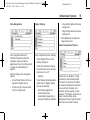
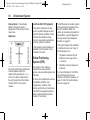
By touching the screen, brightness
controls appear. Adjust the
brightness by pressing the – or +
icons. The vehicle needs to be in
the night mode. See “Rear Vision
Camera (RVC)” in the owner
manual.
The position of the vehicle is
determined by using satellite
signals, various vehicle signals, and
map data.
At times, other interference such as
the satellite condition, road
configuration, condition of the
vehicle, and/or other circumstances
can affect the navigation system's
ability to determine the accurate
position of the vehicle.
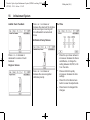
The GPS shows the current position
of the vehicle using signals sent by
the GPS satellites. When the
vehicle is not receiving signals from
the satellites, a symbol appears on
the map screen. See Navigation
Symbols on page 43.
This system might not be available
or interference can occur if any of
the following are true:
.
Signals are obstructed by tall
buildings, trees, large trucks,
or a tunnel.
.
Satellites are being repaired or
improved.
For more information if the GPS is
not functioning properly, see
Problems with Route Guidance on
page 61 and If the System Needs
Service on page 62.