1
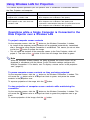
To establish a wireless LAN connection with Manual Connection 1 between
the first computer and the Data Projector
1
On your computer, start up Wireless Connection 2.
z If your computer is running Windows Vista, starting up Wireless Connection 2 will cause
the “User Account Control” message to appear. When it does, click “Allow”.
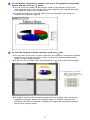
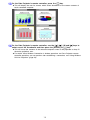
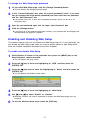
z If the “Select Network” dialog box like the one shown below appears, click the wireless
LAN adapter you want to use for connection with the Data Projector and then click the
[OK] button.
z If your computer is running Windows XP or 2000, do not select the “Connect to an
existing network” check box. See page 39 for more information about using this check
box.
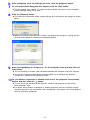
2
3
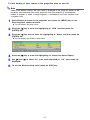
Click [Cancel] to close the “Connect” dialog box that appears.
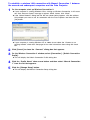
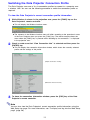
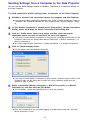
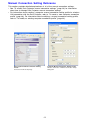
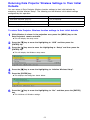
On the Wireless Connection 2 window, select [Connection] - [Switch Connection
Profile].
z This will display the Switch Connection Profile dialog box.
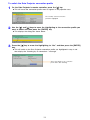
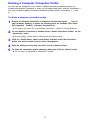
4
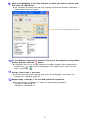
Click the “Profile Name” down arrow button and then select “Manual Connection
1” from the list that appears.
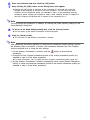
5
6
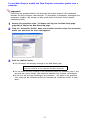
Click the [Connect] button.
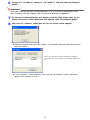
Wait until the “Connect” dialog box like the one shown below appears.
12