1
BT Freelance XD 1500/1550 – Issue 2 - Edition 2 – 21.09.05 – 7060
32
Using the answering machine
or
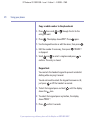
to select Answer Only. The machine announces
“Please speak after the tone”.
or
, speak your message slowly
3. Whilst still holding
and clearly, close to the base.
4. To end recording, release the
or
button.
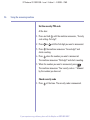
Check your current OGM
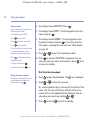
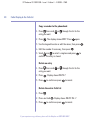
1. Press
on the base. The machine announces the type
of OGM and plays it.
Select the OGM
1. Press and hold
on the base until prompted to select
your type of OGM.
2. Press
to select Answer & Record or
to select
Answer Only. The message you select is played.
Re-instate the pre-recorded OGM
You cannot delete the pre-recorded
OGMs.
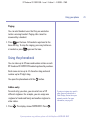
You can delete your own outgoing message and return to
the pre-recorded outgoing message.
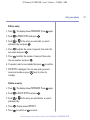
1. Press
on the base.
2. While your message is being played, press
If you experience any problems, please call the Helpline on 0870 605 8047
.