1
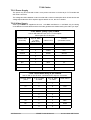
T4.30 Audio Kinetics ES-1.11/1.12 DEBUG MODE
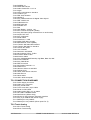
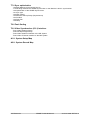
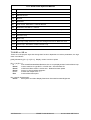
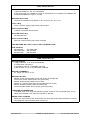
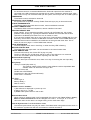
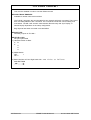
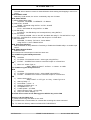
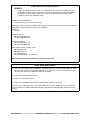
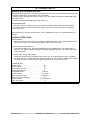
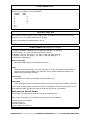
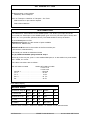
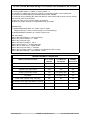
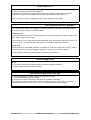
A debug display is available as follows:1)
2)
3)
4)
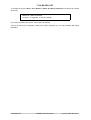
LOCAL | Option | Parameter Protrction = Off
MACH | PROG | Parameter 1040 (testit) set to 53
LOAD
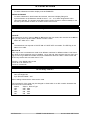
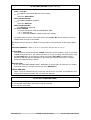
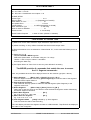
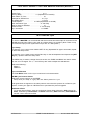
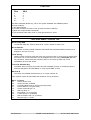
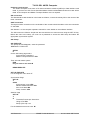
The debug display is enabled using the Mode Key and is changed using the Menu Key
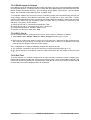
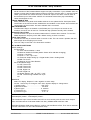
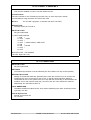
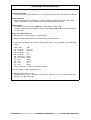
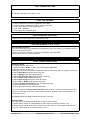
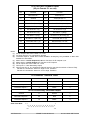
System Position System Speed Difference
Machine Position Machine Speed VLTr25 TLSVC Last Cmd
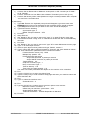
System Position: t= timeline, c=chase, r= real Master
Machine Position: l= ltc, t= tach
VLTr25:
V= VITC L=LTC T=Tach r=Record Enable 25= Standard
TLSVC:
T= Timeline, L= Lock Active, S= Goto Active,
V= Fast Slew v=Slow Slew l= Servo Released p= vari play
C= Chase
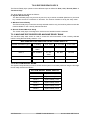
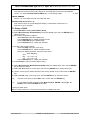
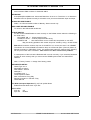
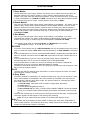
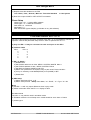
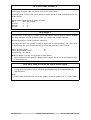
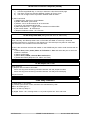
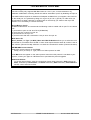
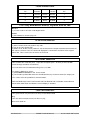
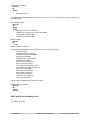
The Menu key selects an alternative Display for the top line
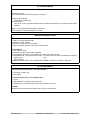
TMS TMP 0f 06ts 10000000
TMS
TMP
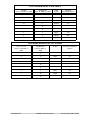
41= Stop, 42= Variplay, 43= Play, 4c = Record, 61= FWD, 62= RWD
18= Chase, 44= Step(jog), 46= Shuttle, 4e= Search(Goto), 51= Lock, 53= LPRS, 5a=
Calibrate
3rd digit 0= Trying, 1= Successful, 3= Failed
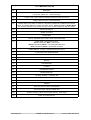
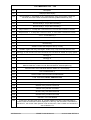
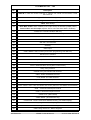
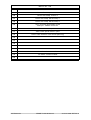
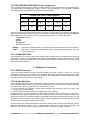
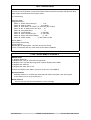
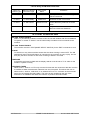
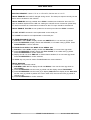
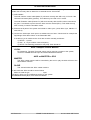
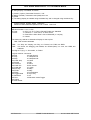
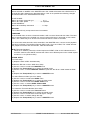
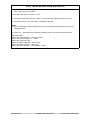
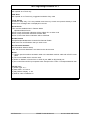
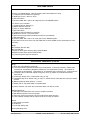
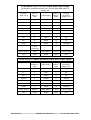
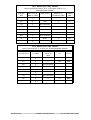
Logical machine commands:
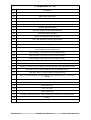
00 Null
10 Lifter Normal
01 Play
11 Varispeed On
02 Stop
12 Varispeed Off
03 Crawl Stop
13 Pause
04 Record
14 Edit
05 Unrecord
15 Servo
06 Crawl Rvs
16 Rec Preset
07 Crawl fwd
17 Locate
08 Rvs Play
18 Step +
09 FFWD
19 Step 0a FRVS
1a Un-Rehearse
0b Toggle Mode
1b Sync Play
0c Rehearse
1c Init
0d Lace
1d Rehearse mode Toggle
0e Unlace
0f Lifter Defeat
CB Electronics
SR/MR Technical Manual
25 June 2002 SR-Tech 35