1
Removal and replacement procedures
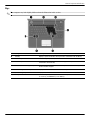
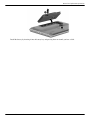
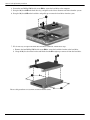
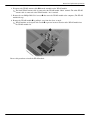
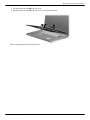
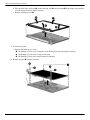
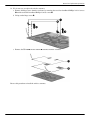
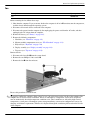
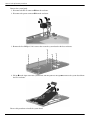
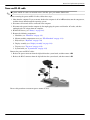
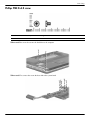
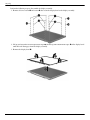
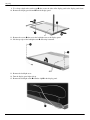
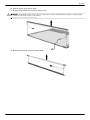
11. If it is necessary to replace the display hinges, slide them outward from the panel.
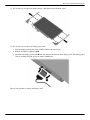
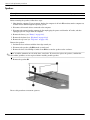
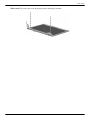
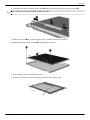
12. If it is necessary to replace the display panel cable:
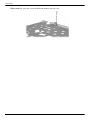
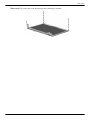
a. Turn the display panel upside down, with the bottom edge toward you.
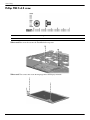
b. Release the adhesive support strip 1.
c. Disconnect the display panel cable 2 from the connector on the back of the display panel. The display panel
cable is available using the spare part number 580668-001.
Reverse the procedure to replace the display cable.
Maintenance and Service Guide
4–25