1
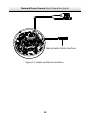
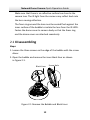
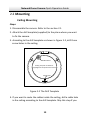
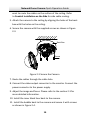
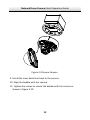
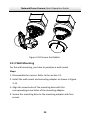
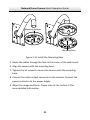
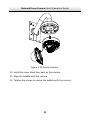
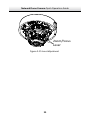
Network Dome Camera∙Quick Operation Guide Figure 2‐13 Secure Black Liner and Bubble 2.3 Image and Focus Adjusting Steps: 1. 3‐axis adjustment. 1). View the camera image using the monitor. 2). Rotate the panning table to adjust the panning position of the camera. 3). Rotate the tilting axes to adjust the tilting position of the camera. 4). Rotate the lens table to adjust the azimuth angle of the image. 23