1
Chapter 3
3-8 Frequency / Voltage Control
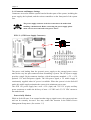
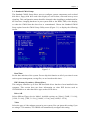
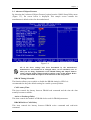
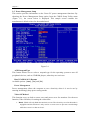
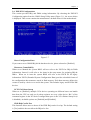
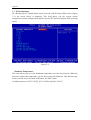
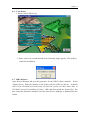
By choosing the Frequency/Voltage Control option from the CMOS Setup Utility menu
(Figure 3-1), the screen below is displayed. This sample screen contains the
manufacturer's default values for the motherboard.
Figure 3-9
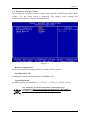
Memory Frequency For
Please leave the default setting [Auto] for a stable system operation.
Auto Detect PCI Clk
Enabling this function will auto-detect PCI/DIMM clock.
Spread Spectrum
Available options are: [Disabled], [+/- 0.25%], [+/- 0.35%], [+/-0.45%], [-0.5%].
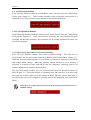
Any attempt to operate beyond product specifications is not
recommended. We do not guarantee the damages or risks caused by
inadequate operation or beyond product specifications.
35