1
TABLE OF CONTENTS
PRECAUTIONS .............................................................................. 4
1.
INTRODUCTION .......................................................................... 10
2.
ENGLISH
1-1. Features ..................................................................................................... 10
1-2. Package Contents ...................................................................................... 11
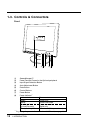
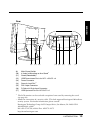
1-3. Controls & Connectors ................................................................................ 12
CABLE CONNECTION ................................................................ 14
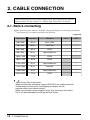
2-1. Before connecting ....................................................................................... 14
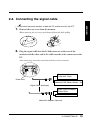
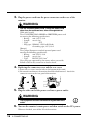
2-2. Connecting up ............................................................................................. 15
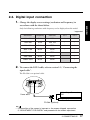
2-3. Digital input connection ............................................................................... 17
3.
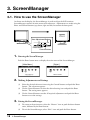
ScreenManager ........................................................................... 18
3-1. How to use the ScreenManager .................................................................. 18
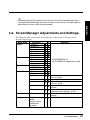
3-2. ScreenManager Adjustments and Settings ............................................... 19
3-3. Useful Functions ......................................................................................... 20
4.
ADJUSTMENT ............................................................................ 21
4-1.
4-2.
4-3.
4-4.
5.
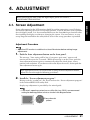
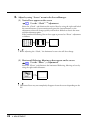
Screen Adjustment ..................................................................................... 21
Displaying the low resolutions ..................................................................... 25
Color adjustment ......................................................................................... 27
Power-save Setup ....................................................................................... 28
ADJUSTMENT FOR DIGITAL ..................................................... 29
5-1. Screen Adjustment ..................................................................................... 29
5-2. Displaying the low resolutions ..................................................................... 30
5-3. Power-save Setup ....................................................................................... 31
6.
MAKING USE OF USB (Universal Serial Bus) .......................... 32
7.
CONNECTING TWO PCs to THE MONITOR ............................... 34
8.
ATTACHING AN ARM STAND .................................................... 36
9.
TROUBLE SHOOTING ................................................................ 38
10. CLEANING ................................................................................... 42
11. SPECIFICATIONS ....................................................................... 43
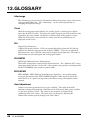
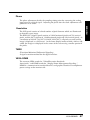
12. GLOSSARY.................................................................................. 46
13. INDEX .......................................................................................... 48
TABLE OF CONTENTS
3