1
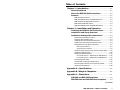
Table of Contents
Chapter 1 • Introduction .......................................................... 1-1
About this Manual ................................................................ 1-2
About the RGB 500 Series Interfaces .......................... 1-2
Features ...................................................................................... 1-2
RGB 500 Series features ........................................................ 1-2
RGB 500, RGB 500 Dual, and RGB 508 feature .................... 1-3
RGB 500 Dual and RGB 560 Dual feature ............................. 1-3
RGB 508 and RGB 560 feature .............................................. 1-3
RGB 560, RGB 560 Dual, and RGB 568 features ................... 1-3
Chapter 2 • Installation and Operation .......................... 2-1
Installing the RGB 500 Series Interfaces................ 2-2
Installation and Setup Overview .................................. 2-2
Installation and Operation Instructions .................... 2-3
Determining installation location ......................................... 2-3
Preparing the installation site ............................................... 2-3
Installing the mounting bracket with clips ........................... 2-4
Installing the mounting bracket with screws ....................... 2-4
Setting bottom and top panel switches ................................ 2-5
Bottom panel features ........................................................... 2-6
Top panel jumper switches .................................................... 2-9
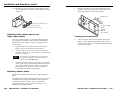
Attaching audio output, power & video output cables ...... 2-10
Attaching adapter plates .................................................... 2-10
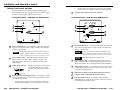
Setting front panel switches ............................................... 2-12
Front panel features — RGB 500 series, RGB 508 series ...... 2-12
Front panel features — RGB 560 series, RGB 568 series ...... 2-13
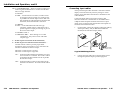
Connecting input cables ....................................................... 2-15
Pre-installation testing/troubleshooting ............................ 2-16
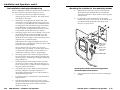
Mounting the interface to the mounting bracket ............. 2-17
Attaching the faceplate ...................................................... 2-18
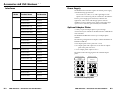
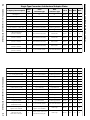
Appendix A • Specifications ................................................. A-1
Appendix B • Rough-in Templates ...................................... B-1
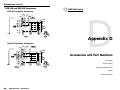
Appendix C • Dimensions ........................................................ C-1
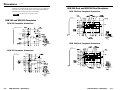
RGB 500 and RGB 560 Faceplates .................................. C-2
RGB 500 Dual and RGB 560 Dual Faceplates ........... C-3
(Continued)
RGB 500 Series • Table of Contents
i