1
Chevrolet/GMC Equinox/Terrain Infotainment System - 2013 - crc 2nd edition 6/20/12
Black plate (23,1)
Infotainment System
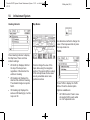
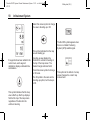
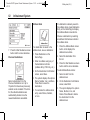
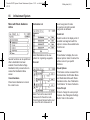
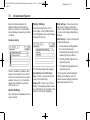
From the Home Page, press the
SiriusXM Weather screen button.
The system displays the current
weather page.
Allow approximately 15 minutes for
the current weather in the area to
display.
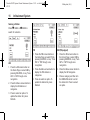
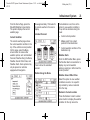
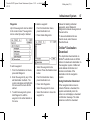
Extended Forecast
23
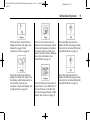
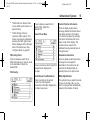
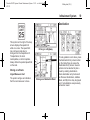
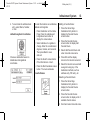
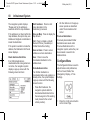
If a destination is set, there is the
option to view weather conditions
for up to three locations along the
route:
Current Condition
.
Current vehicle position.
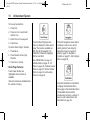
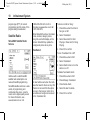
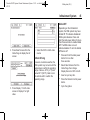
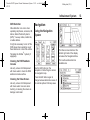
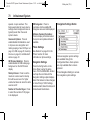
The current weather page shows
the current weather condition in the
city of the vehicle's current position.
On this page, select the Menu
screen button to access other
weather options, such as Extended
Forecast, Weather Along the Route,
Weather Around Other Cities, and
Weather Alerts. Some options may
only be present on vehicles
equipped with navigation.
.
Midway point from current
position to final destination.
.
Current weather condition of the
destination city.
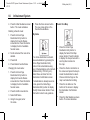
Weather Alerts
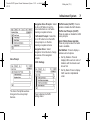
Press to show the extended
forecast.
Weather Along the Route
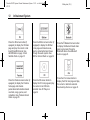
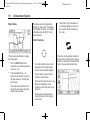
From the XM Weather Menu, press
the Weather Alerts screen button to
display any current weather
advisory warnings in effect near the
current position.
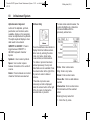
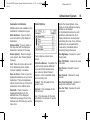
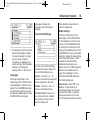
Weather Around Other Cities
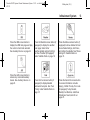
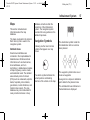
Select this option to view weather
conditions around or in a specific
city entered by name or selected
from the map.
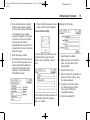
Restore to Current Location
Press the Restore Current Location
screen button to display the weather
condition for the city where the