1
Editing
Before you start
Editing discs (cont’d)
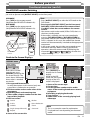
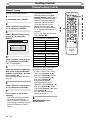
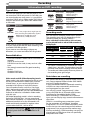
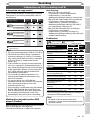
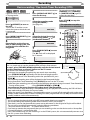
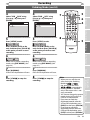
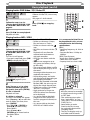
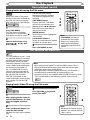
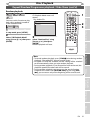
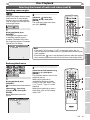
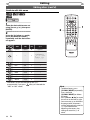
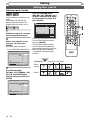
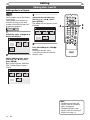
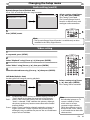
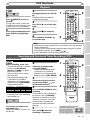
Setting pictures for thumbnails
Original
Playlist
VCR
2
5
7
8
0
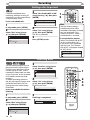
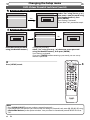
Press [RETURN ] and then
[RETURN ] or [STOP C] to
exit.
Writing on the disc starts.
It may take a while to write the
data on a disc.
OPERATE
3
6
9
+10
PLAY
Press
OPEN/CLOSE
EJECT
SETUP
T-SET TIMER PROG. REC MODE RAPID PLAY
ZOOM
VCR
DVD
TOP MENU
5
DVD
STOP
DUBBING
first.
VCR/DVD COMBINATION
NA527AD
ENTER
RETURN
.@/:
ABC
3
4
2
DEF
1
2
3
GHI
JKL
MNO
4
5
6
PQRS
TUV
WXYZ
7
8
PROG.
9
CLEAR/C-RESET SPACE
1
CM SKIP
MENU LIST
SKIP
DISPLAY
0
REV
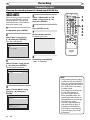
Follow the steps 1 to 3 on page
64 to display the Edit menu.
FWD
PLAY
VCR
REC/OTR
DVD
REC/OTR
STOP
2
REPEAT
AUDIO
SEARCH
SLOW
Recording
PAUSE
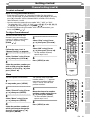
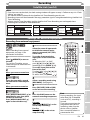
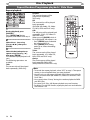
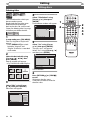
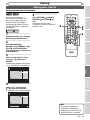
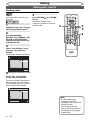
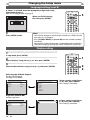
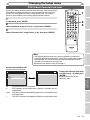
Use [SKIP H / G],
[REV E / r], [FWD D / q],
[PLAY B] and [PAUSE F] to
find the picture you want to set
as a thumbnail.
Getting started
1
4
5
Connections
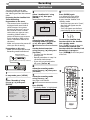
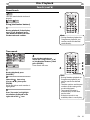
You can set a picture as a
thumbnail for each title. This
helps you to remember the
content of the title without
having to play it back. The first
picture of the title is selected as
the default.
VCR/DVD RECORDER
COMBINATION
NB203ED
Disc Playback
3
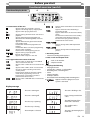
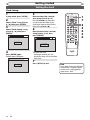
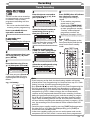
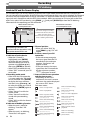
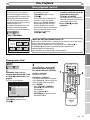
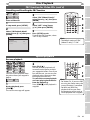
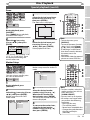
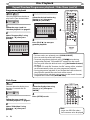
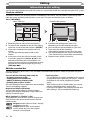
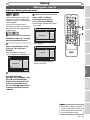
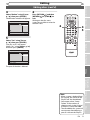
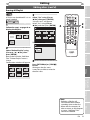
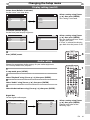
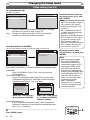
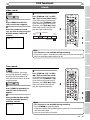
Select “Index Picture” using
[Cursor K / L], then press
[ENTER].
Confirmation window will appear.
<e.g. DVD-RW VR mode Playlist>
Playlist - Index Picture
Editing
3
Yes
No
F
Changing the
Setup menu
15/04/06 19:00 P12 XP
0:00:59
4
VCR functions
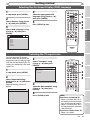
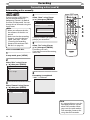
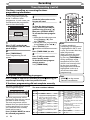
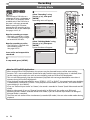
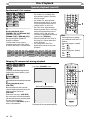
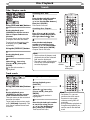
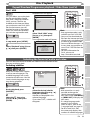
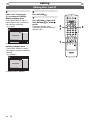
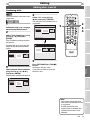
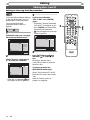
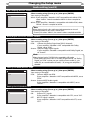
Select “Yes” using [Cursor
K / L], then press [ENTER].
The picture is set as the thumbnail.
Playlist - Index Picture
3
Yes
No
F
15/04/06 19:00 P12 XP
Note
Others
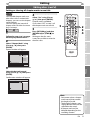
Wait for a moment.
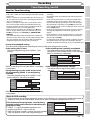
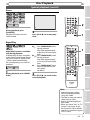
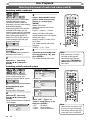
• If a picture selected as a
thumbnail is deleted by
deleting a part of a title, the
default picture is selected.
EN
69