1
Memo: shortly before the hour, three
signal tones will be emitted.
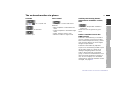
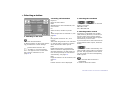
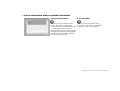
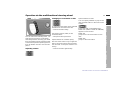
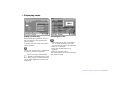
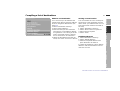
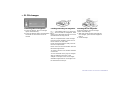
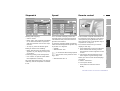
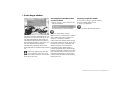
1 Turn until "Set" is highlighted.
2 Press to obtain a display of possible
settings.
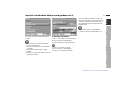
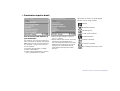
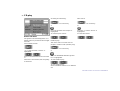
Audio+OBC means: radio and on-board
computer displays appear on the monitor at the same time.
BMW Assist*: you can initialize or
update the emergency call function information service if these have been arranged for you by BMW Service or
BMW Customer Information.
Radio
bm4de044
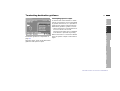
Day/Night means: you can switch the
automatic day/night changeover function for colour set on or off.
Computer
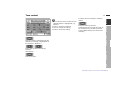
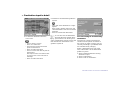
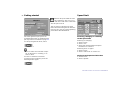
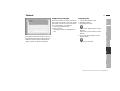
The general menu will appear.
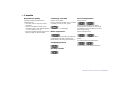
The following can also be changed by
turning the control further:
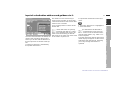
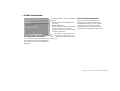
Colour set means: you select a set of
colours for the screen display from the
three options available.
TV
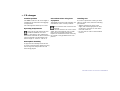
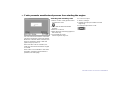
Changing the settings
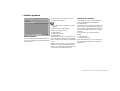
SW 2-1/XX means: generation 2 software status, version 1.
"XX" indicates the current version.
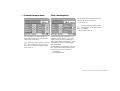
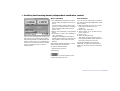
On-board computer display: you can
choose whether to have the outside
temperature or your estimated time of
arrival shown in the general menu.
Technical
You can change the language of the
display texts, the units of measurement
for distance, fuel consumption and temperature, the time and date, and the
way these are expressed.
Index
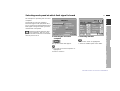
Your car is supplied with a basic setting
for all displays, which depends on the
country for which the car is intended.
These settings can also be changed as
preferred individually.
Navigation Overview
27n
bm4de043
bm4de042
Changing the settings
Online Edition for Part No. 01 41 0 002 576 - © 04/99 BMW AG