1
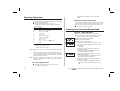
Uninstalling the Mobile Office Suite 34 Under ‘Settings’ in the ‘Start’ menu, select ‘Control Panel’. Click ‘Add/Remove Programs’. Select ‘Ericsson Mobile Office Suite’ from the list of applications. Click ‘Add/Remove’. Follow the instructions given on the screen. Press to enter the menu system. See inside the cover.