1
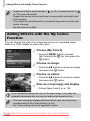
Changing Image Transitions
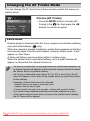
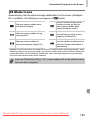
You can choose from 3 transition effects when switching between images in
single image playback.
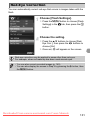
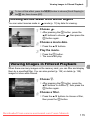
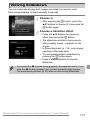
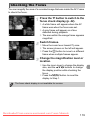
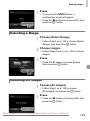
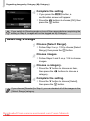
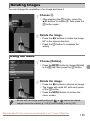
Choose [Transition].
z Press the n button to choose
[Transition] in the 1 tab, then press the
qr buttons to choose a transition effect.
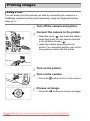
Protecting Images
You can protect important images so that they cannot be accidentally erased
with the camera (pp. 30, 128).
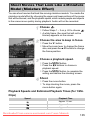
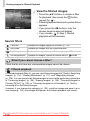
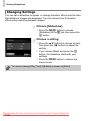
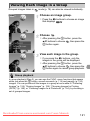
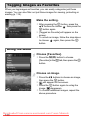
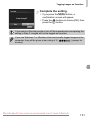
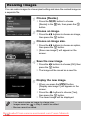
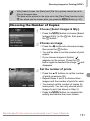
Protect the image.
z After pressing the m button, press the
op buttons to choose :, then press the
m button again.
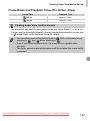
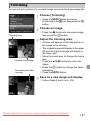
X [Protected] will appear on the screen.
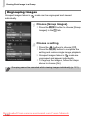
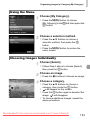
z To unlock an image, follow the step above
to choose : again, then press the m
button.
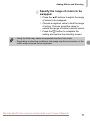
If you format the memory card (pp. 23, 159), protected images will also be
erased.
Protected images cannot be erased with the camera’s erase function.
To erase an image, cancel protection settings first.
Downloaded From camera-usermanual.com Canon Manuals
124