1
Location Setting
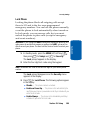
You can set your phone to pass Global Positioning
System (GPS) data to identify your location to the
network continually or only when you make an
emergency (911) call.
Note: Check with your wireless carrier to determine if/when/where
location-based services are available.
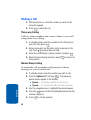
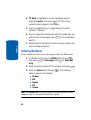
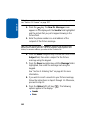
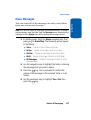
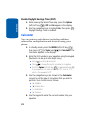
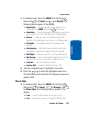
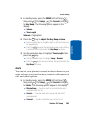
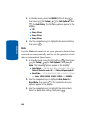
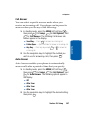
1. In standby mode, press the MENU (left) soft key (
),
then press 9wxyz (for Setup) and 1 for Location. The
following Location options appear in the display:
Section 13
@
䢇
䢇
))
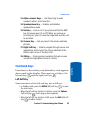
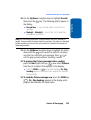
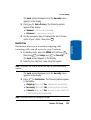
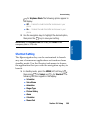
Location On — Your location data is continually sent
wherever the feature is available.
911 Only — Your location data is sent only when you dial 911.
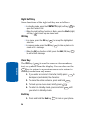
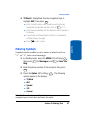
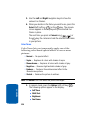
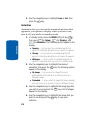
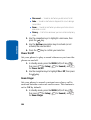
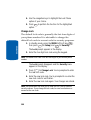
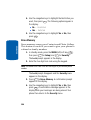
2. Use the navigation keys to highlight an option.
3. Press OK to select the function. The Setup menu
appears in your display.
4. Press
END
to return to standby mode.
Display Settings
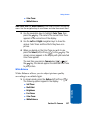
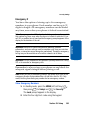
Display settings let you change your phone’s menu
appearance, display brightness and contrast, and
display content to better meet your needs.
Display Settings
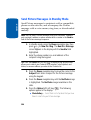
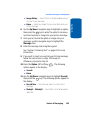
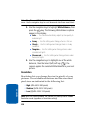
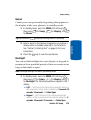
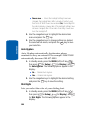
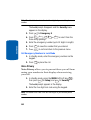
You can set the menu style, standby mode animation,
customize backlight settings, and more in the Display
sub menu.
176