1
Section 3: Operation
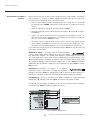
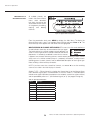
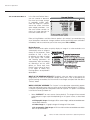
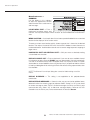
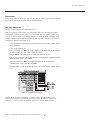
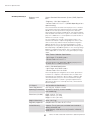
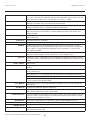
Ethernet Settings (SUBMENU)
This menu is reserved for future use.
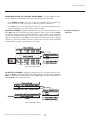
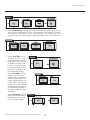
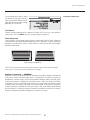
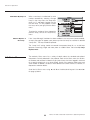
Backlight
Toggle the built-in keypad lighting on/off.
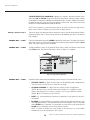
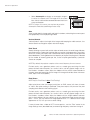
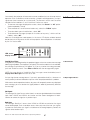
Front IR / Back IR
As needed for your application, set to “on” so that the front and/or rear IR sensor
locations on the projector responds to the IR keypad. Set to “off” to disable.
To disable both IR sensors, you cannot use the IR remote keypad to select the second
OFF setting. This safeguard prevents accidentally disabling an IR keypad while you
are using it. Instead, use either the built-in keypad or a wired remote (optional) to
set the remaining active sensor to OFF. The projector will no longer respond to an
IR remote keypad.
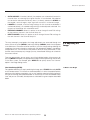
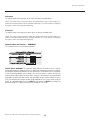
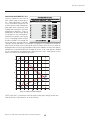
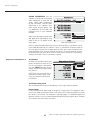
Wired Keypad
Select “On” to enable use of a wired remote keypad connected to the rear of the
projector. The projector will then respond to incoming commands from either port.
To disable the wired keypad, you must use a different keypad—the built-in or an IR
remote keypad—to select “off”. This safeguard prevents you from accidentally disabling
the wired keypad during use.
56
Runco VX-40d/-50d/-60d/-80d Owner’s Operating Manual