1
Message” above.
AB
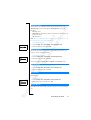
5. Press Y E S and proceed from step 3 as described in “Sending a New Text
Note! The same procedure is used with all types of messages, for example email, fax messages etc. Check with your network operator to find out which
Er
ics No
so t fo
nM r
ob Com
ile
me
Co
r
mm cial
un Use
ica
tio
ns
message types you can use.
Sending Text Messages to a Group
With your phone you can send text messages to a pre-defined group. You need
to specify a group and save it in your phone book before you can send text
messages to a group. For more information on how to create groups, see
“Groups” on page 37.
To send a text message to a group
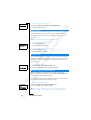
1. Scroll to Messages, Y E S , Send New, Y E S .
2. Enter your message and press Y E S .
3. Press
l to enter the Phone Book menu.
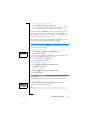
4. Scroll to Groups and press Y E S .
5. Select the group you want and press Y E S to send the message.
Note! When you send text messages to a group, you will be charged for each
member included in that group.
Customizing Your Text Messages
Before you send your message, you can set the type of message, the validity
period and if you want the recipient of your message to reply to your message.
Message Type
Your phone can send different types of messages. Your network operator’s
service centre may offer the facility of converting a text message into a format
(e-mail, fax, etc.) that suits the equipment that is going to receive the message.
Please contact your network operator to find out which message types you can
use and how.
You can set a standard message type that you want to use or you can turn on a
Set on Send option, which means that you are asked to select which message
type you want to send, before sending it.
To set a standard message type
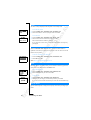
1. Scroll to Messages, Y E S , Options, Y E S , Message Type, Y E S , Set Default, Y E S .
2. Select the message type you want.
The selected message type is now standard until you change it.
54
Sending and Receiving Text Messages (SMS)