1
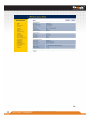
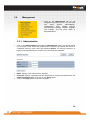
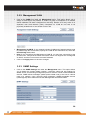
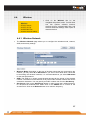
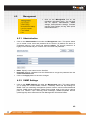
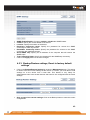
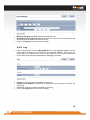
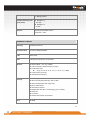
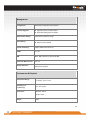
4.5. Management Click on the Management link on the navigation drop-down menu. You will then see six options: administration, SNMP settings, backup/restore settings, firmware upgrade, time settings, and log. Each option is described below. 4.5.1. Administration Click on the Administration link under the Management menu. This option allows you to create a user name and password for the device. By default, this device is configured without a user name and password admin. For security reasons it is highly recommended that you create a new user name and password. Name: Specify a user name into the first field. Password: Specify a password into this field and then re-type the password into the Confirm Password field. Click on the Apply button to save the changes. 4.5.2. SNMP Settings Click on the SNMP Settings link under the Management menu. This option allows you to assign the contact details, location, community name and trap settings for SNMP. This is a networking management protocol used to monitor network-attached devices. SNMP allows messages (called protocol data units) to be sent to various parts of a network. Upon receiving these messages, SNMP-compatible devices (called agents) return data stored in their Management Information Bases. . 42 Copyright © RayTalk Industries. Tutti i diritti riservati.









![Manual de usuario - [ [ [ ANSEL ] ] ]](http://vs1.manualzilla.com/store/data/006282114_1-2ccd0e24c76319024c067d083ee738a5-150x150.png)