1
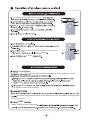
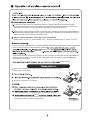
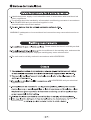
Note: Be sure that there are no obstructions between receiver and remote control;
Don't drop or throw the remote control; Don't spill any liquid on the remote
control; Don't leave remote control directly in sunlight or hot environments.
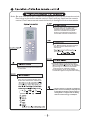
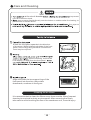
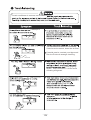
Pres s this button to turn Sleep mode on or
off. Sleep mode "off" is defau lt when
switched on. Sleep functi on is cancelled
when unit is switched off. Sleep mode
durati on can be adjusted . Sleep mode is
not avail able under Fan and Auto modes.
ON/
OFF
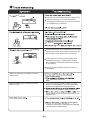
Press this button to select between Auto,
Low, Middle and High speed fan settings.
Auto fan speed is default when unit
switched on.
X-FAN
AUTO
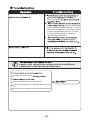
Press this button to turn unit on or off.
Sleep function will be cancelled if unit
is turned off.
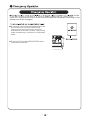
Press this button to set clock function.
the clock symbol will blink and display.
Within 5 seconds, the time can be adjusted
by pressing + or - button. Press button
continuously for rapid time change.
During blinking, press confirm button or
clock button again to complete time setting.
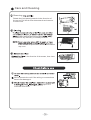
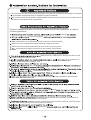
Press this button to select between Auto,
Cool, Dry, Fan and Heat modes. Auto
mode is the default when switched on.
The tree symbol is a reminder to operate the
product in a environmentally friendly way such
as operation the product 1 degree higher in
cooling mode or 1 degree lower in heating
mode to conserve energy consumption.