1
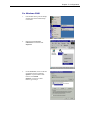
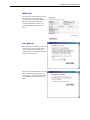
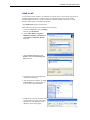
For Windows 98
1.
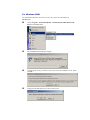
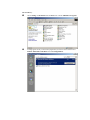
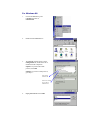
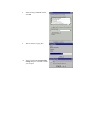
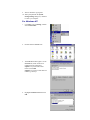
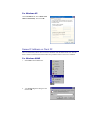
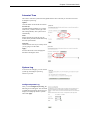
Click on the Start menu, point
to Settings and click on
Control Panel.
2.
Double-click the Network icon
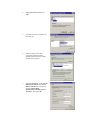
3.
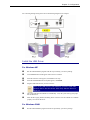
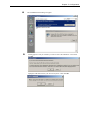
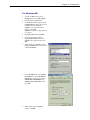
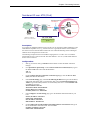
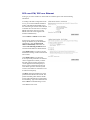
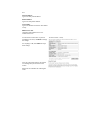
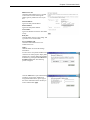
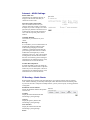
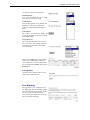
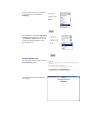
The Network window appears. On the
Configuration tab, check out the list of
installed network components.
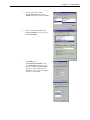
Option 1: If you have no TCP/IP
protocol, click Add.
Option 2: If you have TCP/IP protocol,
go to Step 6
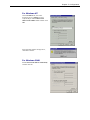
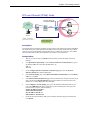
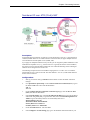
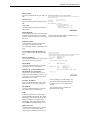
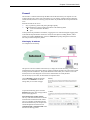
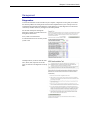
Your network
interface card.
Check out if TCP/IP
for your NIC is
installed or not.
4.
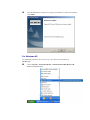
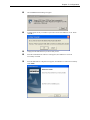
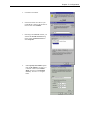
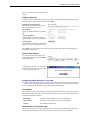
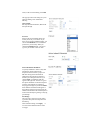
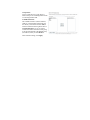
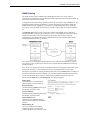
Highlight Protocol and click Add.