1
Appendix B: Server Setup for 802.1x Client
Appendix B: Server Setup for
802.1x Client
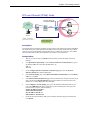
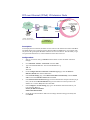
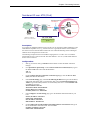
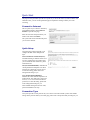
Getting Client Certificate
1.
2.
3.
4.
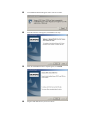
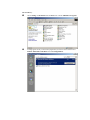
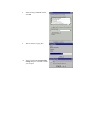
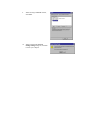
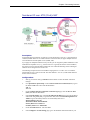
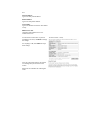
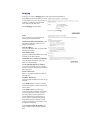
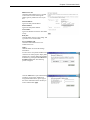
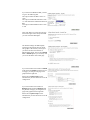
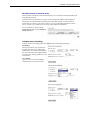
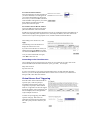
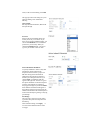
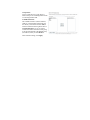
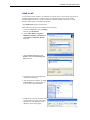
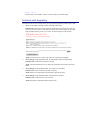
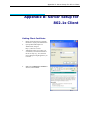
Please connect the client to a network
that doesn’t require port authentictaion.
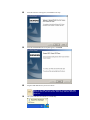
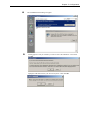
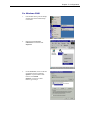
Open up Microsoft Explorer in
Windows XP, and go to
http://<yourserver>/certsrv.
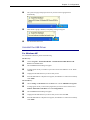
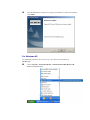
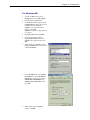
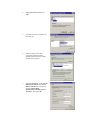
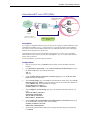
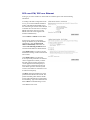
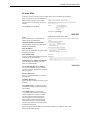
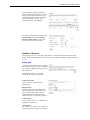
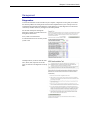
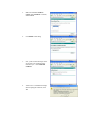
Authenticate to the server using your
account that you created at the end of
the server setup. (e.g. 123) and click
OK. A dialog box might appear for you
to choose.
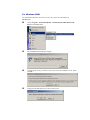
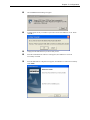
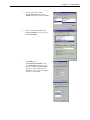
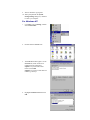
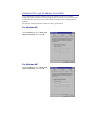
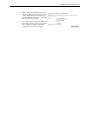
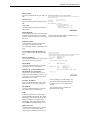
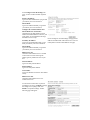
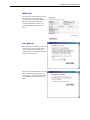
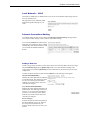
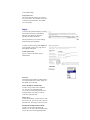
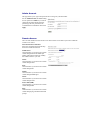
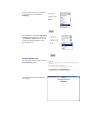
Make sure that Request a certificate is
selected, and click Next.