1
VIP X1600 | Installation and Operating Manual
EN | 105
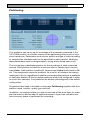
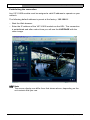
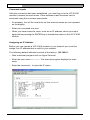
– If required, drag the green arrow to the point in time at which the playback
should begin. Alternatively you can double-click directly in the gray time interval or in the timescale to jump to the position selected in this manner.
The date and time display below the bar provides orientation to the second.
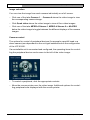
You can control playback by means of the buttons below the video image.
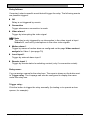
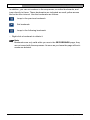
The buttons have the following functions:
Start playback
or pause
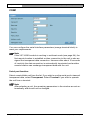
Jump to start of active video sequence or
to previous sequence in the list
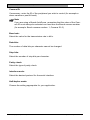
Jump to end of active video sequence or
to next sequence in the list
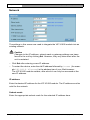
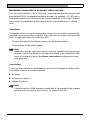
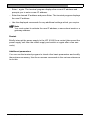
You can use the slide control to control playback speed and fast forward/rewind:
positioning in the middle indicates playback at recording speed, left indicates
rewind, and right fast forward. The fast forward or rewind speed changes,
depending on how far you move the slide control toward the runner icons.
You can continuously select playback speed by means of the speed regulator:
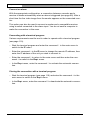
Red bars within the gray sequence fields indicate the points in time where
alarms were triggered. Drag the green arrow to navigate to these points quickly.
Bosch Security Systems | 2006-03 | V2.0
Operation