1
•
•
Buttons usage definition
The buttons can be used in 3 different ways:
Press: Press the button then release it immediately.
Long time press: Press and hold the button for about 2 seconds, then release it.
Press and hold: Press and keep holding the button.
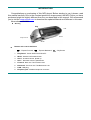
Display screen
Battery indicator
Displays the battery current charging status.
When the battery is fully charged it will be displayed as on the picture (black
square).
When the battery is low the square will became empty.
MAIN FUNCTIONS
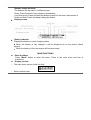
Enter the Menu
Press “Mode” button to enter the menu. There is the main menu and lots of
submenus.
z Display preview
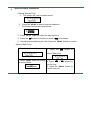
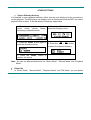
o The main menu screen looks like that:
z
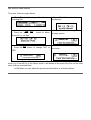
o Music mode screen: