1
Yamaha Professional Audio
4.5
M7CL StageMix V5 User Guide
CUE
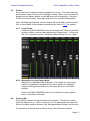
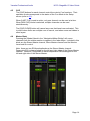
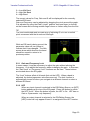
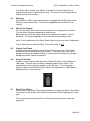
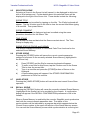
The [CUE] buttons for each channel control the mixer’s Cue functions. Their
operation mode corresponds to the status of the Cue Mode in the Setup
screen (refer to 9.2).
When [LAST CUE] mode is active, only one channel can be cued at a time.
When [MIX CUE] mode is selected, multiple channels can be cued
simultaneously.
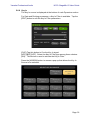
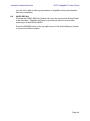
The [CUE CLEAR] button will cancel any cues that have been activated. This
is useful when there are multiple cues to cancel, and when some are hidden in
other layers.
4.6
Master Bank
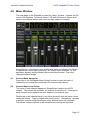
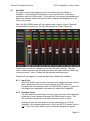
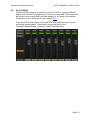
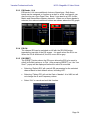
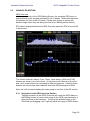
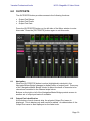
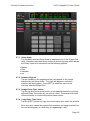
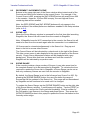
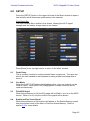
Pressing the [Master] block in the “Navigation/Meter Bridge” will cause
channels from the master section to appear in the fader strips. Included in this
block are the Stereo Master channel, Mono Master channel and the Monitor
Level and On control.
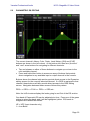
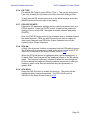
Note: there are two EQ thumbnails above the Stereo Master channel.
Parametric EQ is always linked for the left and right sides of the Stereo Master
channel. However it is possible to have independent GEQs assigned to the
left and right side of the Stereo Master.
Page 14