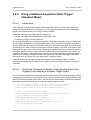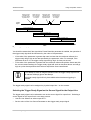
1
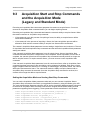
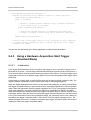
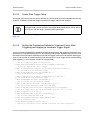
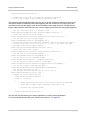
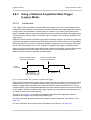
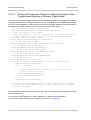
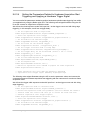
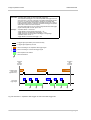
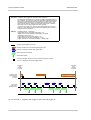
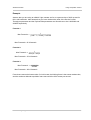
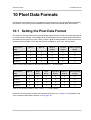
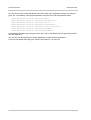
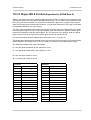
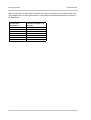
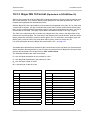
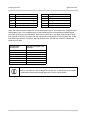
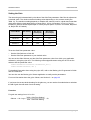
AW00104701000 Image Acquisition Control Selecting the Acquisition Trigger Wait Signal as the Source Signal for the Output Line The acquisition trigger wait signal can be selected to act as the source signal for camera output line 1. Selecting a source signal for the output line is a two step process: Use the Line Selector to select output line 1. Set the value of the Line Source Parameter to the acquisition trigger wait signal. You can set the Line Selector and the Line Source parameter value from within your application software by using the Basler pylon API. The following code snippet illustrates using the API to set the selector and the parameter value: Camera.LineSelector.SetValue( LineSelector_Out1 ); Camera.LineSource.SetValue( LineSource_AcquisitionTriggerWait ); You can also use the Basler pylon Viewer application to easily set the parameters. Basler scout light GigE 141