1
BIOS Setup
is saved to main memory that remains powered while most
other hardware components turn off to save energy. The
information stored in memory will be used to restore the system when a “wake up” event occurs.
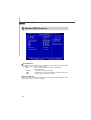
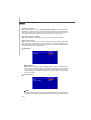
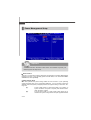
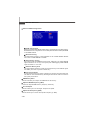
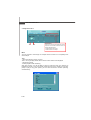
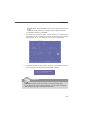
Power Button Function
This feature sets the function of the power button. Settings are:
[Power On/Off] The power button functions as normal power on/off button.
[Suspend]
W hen you press the power button, the computer enters the
suspend/sleep mode, but if the button is pressed for more
than four seconds, the computer is turned off.
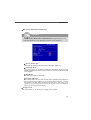
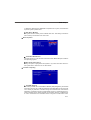
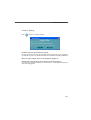
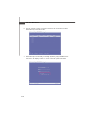
Restore on AC Power Loss
This item specifies whether your system will reboot after a power failure or interrupt
occurs. Settings are:
[Off]
Always leaves the computer in the power off state.
[On]
Always leaves the computer in the power on state.
[Last State]
Restores the system to the status before power failure
or interrupt occurred.
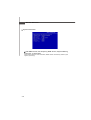
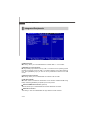
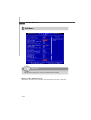
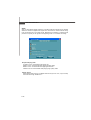
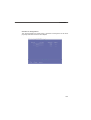
Wakeup Event Setup
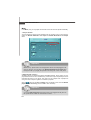
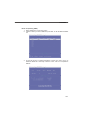
Wake Up Event By
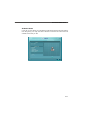
You can turn On or Off monitoring of commonly used interrupt requests so they
do not awaken the system from, or reset activity timers for, Doze and Standby
modes. For example, if you have a modem on IRQ3, you can turn On IRQ3 as a
wake-up event, so an interrupt from the modem can wake up the system. Or you
may wish to turn Off IRQ12 (the PS/2) mouse as a wake-up event, so accidentally brushing the mouse does not awaken the system.
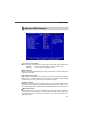
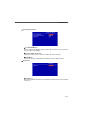
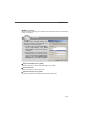
Resume From S3 By USB Device
The item allows the activity of the USB device to wake up the system from S3
(Suspend to RAM) sleep state.
3-15