1
CDM-840 Remote Router
Ethernet-based Remote Product Management
Revision 2
MN-CDM840
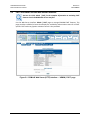
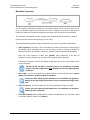
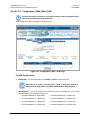
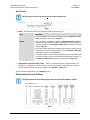
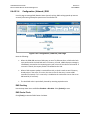
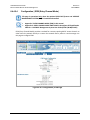
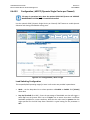
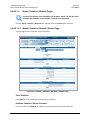
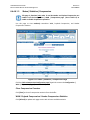
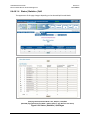
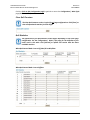
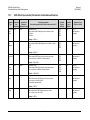
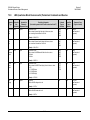
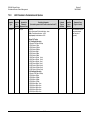
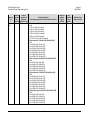
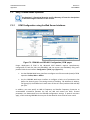
FE – Management Interface
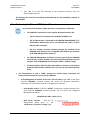
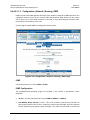
The acceptable/valid operating ranges for items in this section are provided in parentheses.
•
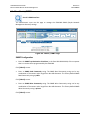
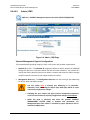
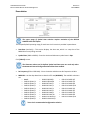
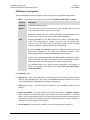
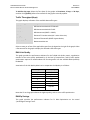
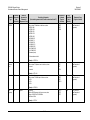
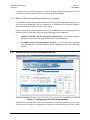
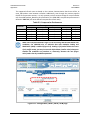
MAC Address (read-only) – The Ethernet MAC Addresses are configured at the factory and
cannot be changed. This address is unique for each available port.
•
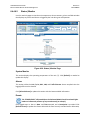
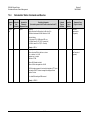
IP Address / CIDR Mask (8 to 30) – Use this box to enter the IP Address and CIDR (Classless
Inter-Domain Routing) Subnet Mask.
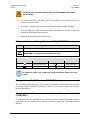
When in Router Mode, the configured subnets must be unique. Overlapping
the subnets will not be allowed and the requested configuration will be
rejected.
•
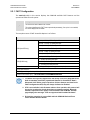
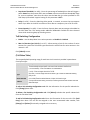
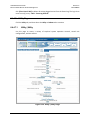
Link Configuration – Use the drop-down list to select the line speed and duplex setting for
the CDM-840 FE interface. The available selections are:
o Auto*
o 100 BaseT / Half Duplex
o 100 BaseT / Full Duplex
o 10 BaseT / Half Duplex
o 10 BaseT / Full Duplex
* Auto is the recommended configuration selection.
•
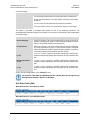
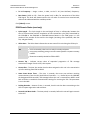
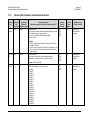
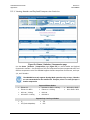
Negotiated Link Mode (read-only) – The actual negotiated line speed and duplex setting for
the FE Interface is displayed here. The viewable settings are:
o
o
10 BaseT / Full Duplex
10 BaseT / Half Duplex
o
o
100 BaseT / Full Duplex
100 BaseT / Half Duplex
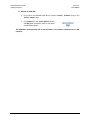
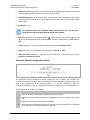
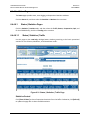
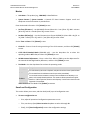
Click [Submit] to save.
6–19