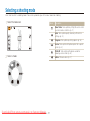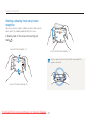
1
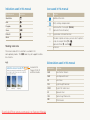
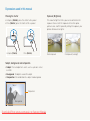
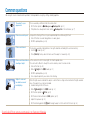
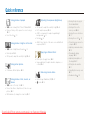
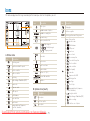
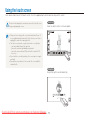
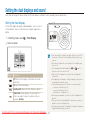
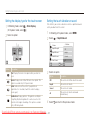
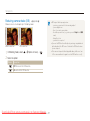
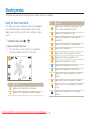
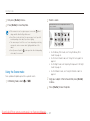
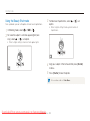
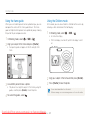
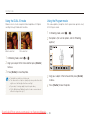
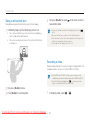
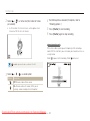
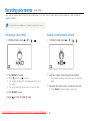
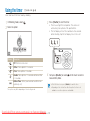
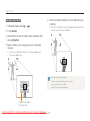
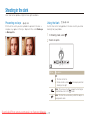
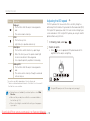
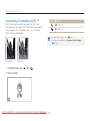
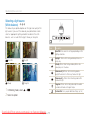
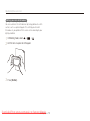
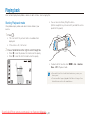
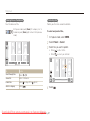
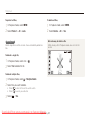
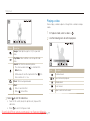
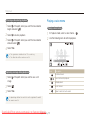
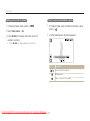
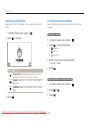
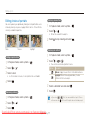
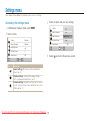
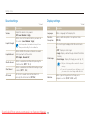
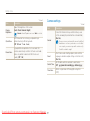
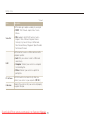
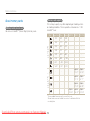
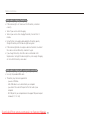
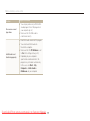
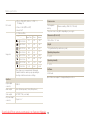
Setting the dual displays and sound Setting the display type for the touch screen Setting the touch vibration or sound 1 In Shooting mode, select (In Playback mode, select Set whether your camera vibrates or emits a specified sound when you touch on the screen. 2 Select an option. Front Display Main Display. .) 1 2 In Shooting or Playback mode, select M. Select Main Display Haptic&Sound. Volume : Medium Haptic Strength Off Haptic&Sound Haptic Shutter Sound Sound Start Sound All 1/2 Option Description 3 Full: Display the name of an option when you select an icon. Select an option. Basic: Display icons without the name of an option. This option is available only in Playback mode. Hide: Hide icons on the screen if you perform no operations for 3 seconds (touch the screen to display icons again). Guide Line: Display grid lines. The grid lines are helpful for getting the photo aligned with a surface, such as the horizon or the edges of buildings. This option is available only in Shooting mode. Downloaded From camera-usermanual.com Samsung Manuals 4 Basic functions Option Description Off The camera will neither vibrate nor sound. Haptic The camera will vibrate. Sound The camera will sound. All The camera will vibrate and sound simultaneously. Select 24 to return to the previous mode.