1
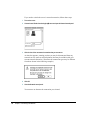
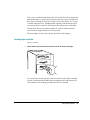
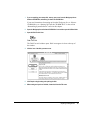
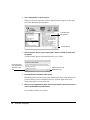
IMPORTANT After connecting to a LocalTalk network (if you have not also
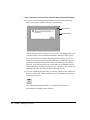
connected to Ethernet), each time you start up the server you’ll see a dialog
box that indicates an error condition. This dialog box informs you that the
system has made a temporary switch from EtherTalk (its preset network
software connection) to LocalTalk. You will see this message until you change
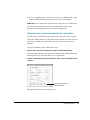
the default setting in the Network control panel. After you turn the server on
(as described in Chapter 1), be sure to continue with the next section in this
chapter to learn how to switch the setting in the Network control panel.
If you need to switch the network connection
Your Workgroup Server 8150 includes AppleTalk networking software, which
can run on both Ethernet and LocalTalk networks. (You can also add software
for other networks.) The built-in AppleTalk software for Ethernet networks is
called EtherTalk. Depending on the type of network to which you connect
your server, you may need to change the network connection setting for your
server system.
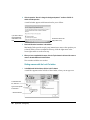
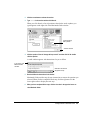
The Workgroup Server is preset to use the EtherTalk network connection. If
the server is not physically connected to an Ethernet network when you start
up, the system software reports an error condition and temporarily switches to
LocalTalk. If you will not be using an Ethernet network, you need to switch
the connection in the Network control panel to the appropriate network.
Note: The server can be physically connected to more than one network, but
you can use only one network connection at a time.
If you need to switch the network connection
23