1
¢¢¢¢¢¢¢¢¢¢¢¢¢¢¢¢
,,,,,,,,,,,,,,,,
QQQQQQQQQQQQQQQQ
,,,,,,,,,,,,,,,,
QQQQQQQQQQQQQQQQ
¢¢¢¢¢¢¢¢¢¢¢¢¢¢¢¢
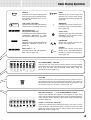
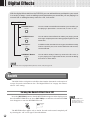
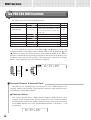
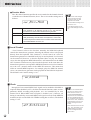
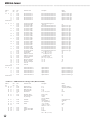
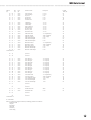
Digital Effects
No.
Type
Description
9
Tremolo Octave
Combination of Tremolo and Octave; produces a duophonic melody with two voices
played alternately (the second voice is an octave below the melody).
10
Strumming
This type adds arpeggiated pattern to the melody.
11
Trio Delay
Two notes slightly below the melody are added to create three parts. Additional notes are
delayed slightly.
12
Vibraphone &
Jazz Guitar
Two voices, Vibraphone and Jazz Guitar, below the melody are added to create three parts.
13
Trumpet & Sax
Two voices, Trumpet and Saxophone, below the melody are added to create three parts.
14
Back Vocal
“Vocal” voice is added to the melody to get a vocal part in the background.
15
Strings
“Strings” voice is added to the melody to create an orchestral atmosphere.
16
Forest
“Twitterings” of a bird are added to the melody to create an effect as if you were playing
outside.
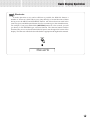
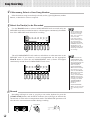
• The Harmonies except for the types 6,7 and 9
are applied to the R1 voice according to the
chords detected in the Accompaniment section.
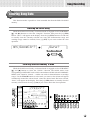
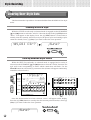
Turning the Harmony Effect On or Off
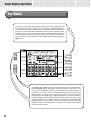
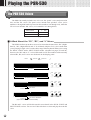
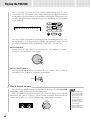
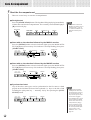
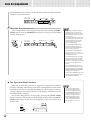
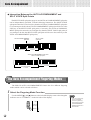
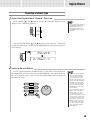
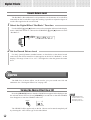
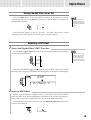
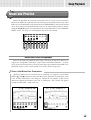
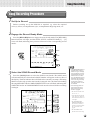
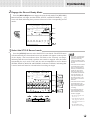
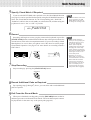
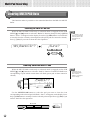
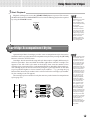
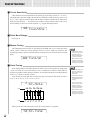
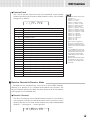
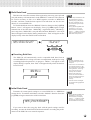
Press the [HARMONY] button so that the HARMONY icon appears in the display
to turn the selected HARMONY effect on. Press [HARMONY] a second time so that
the HARMONY icon disappears to turn the HARMONY effect off.
HARMONY
0
REVERB TRANSPOSE
116
HARMONY
TEMPO
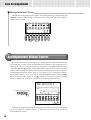
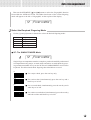
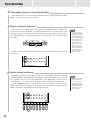
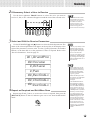
Selecting a Harmony Type
• HARMONY can not
be turned on when a
drum kit is selected
for the R1 voice.
• HARMONY can not
be turned on when
the FULL KEYBOARD
AUTO ACCOMPANIMENT fingering mode
is selected even if
AUTO ACCOMPANIMENT is on. HARMONY will be automatically turned off if
the FULL KEYBOARD
fingering mode is selected while the HARMONY effect is on.
• When the Voice Set
function is ON (Page
85), the HARMONY
effect settings may
change according to
the selected R1 panel
voice.
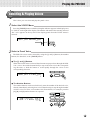
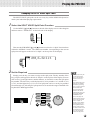
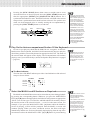
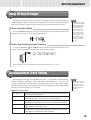
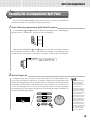
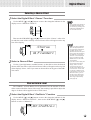
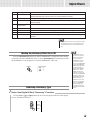
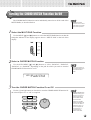
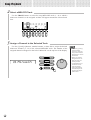
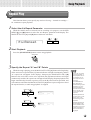
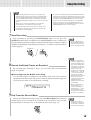
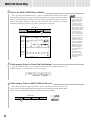
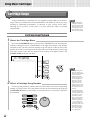
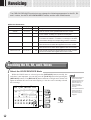
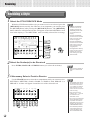
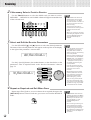
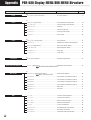
1 Select the Digital Effect “Harmony” Function
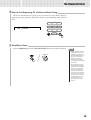
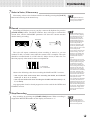
Use the MENU [▲] and [▼] buttons to move the triangular indicator in the display
next to “DIGITAL EFFECT”.
MIDI
DIGITAL
EFFECT
OVERALL
43