1
62 | hp Jornada 920 series wireless digital assistant user’s guide
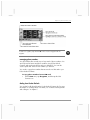
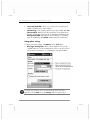
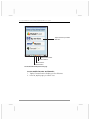
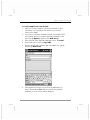
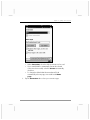
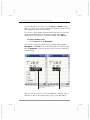
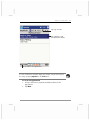
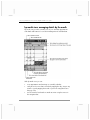
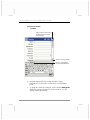
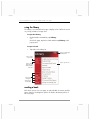
3. Select the Activate Channel check box.
4. Tap OK to close the Cell Broadcast application.
You may not receive messages right away; the frequency with which
messages are transmitted depends on your mobile telephone service
provider.
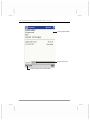
Activate channel 000, topic index, to ensure you always have the current list of
channels with you on your hp Jornada.
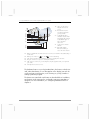
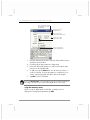
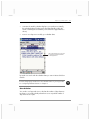
To activate a channel from the topic list
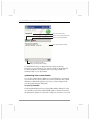
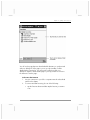
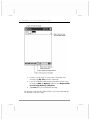
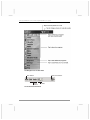
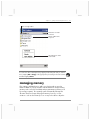
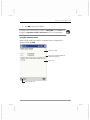
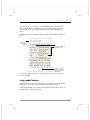
1. Tap the Index tab to see a list of available topics.
2. Tap [+] next to a topic heading to see a lit of available channels
for that topic.
3. Tap a channel in the list to select it, and then tap Add Channel.
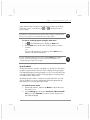
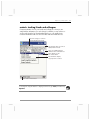
If the topic index tab displays the “No topic index received” message, you must
activate channel 000, or wait for the list to be transmitted by your GSM/GPRS
service provider.
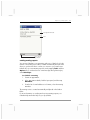
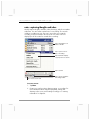
To filter incoming messages
•
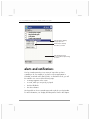
On the Language tab, select the check box next to the
language(s) you want to receive.