1
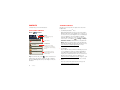
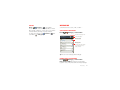
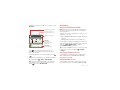
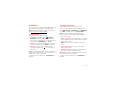
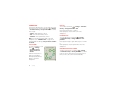
3 Touch Configure Mobile Hotspot to change hotspot
security and configuration settings:
• Network SSID—Enter a unique name for your
hotspot and touch Next.
• Security—Select the type of security you want,
and touch Save: WEP, WPA, or WPA2. Enter a
unique password. Other users can access your
Wi-Fi hotspot only if they enter the correct
password.
Note: Keep it secure. To protect your phone and
hotspot from unauthorized access, it is strongly
recommended that you set up hotspot Security
(WPA2 is the most secure), including password.
• Broadcast Channel—Select a channel that
minimizes potential interference. You may need
to try different channels after your hotspot is
active for a time.
4 Touch Save when the settings are complete.
When your Wi-Fi hotspot is active, other Wi-Fi enabled
devices can connect by entering your hotspot’s SSID,
selecting a Security type, and entering the correct
Wireless password.
Bluetooth® handsfree devices
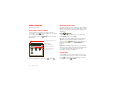
Turn Bluetooth power on or off
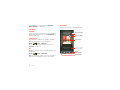
Find it: Menu
> Bluetooth
> Settings > Wireless & networks
Note: To extend battery life, turn off Bluetooth power
when not in use.
Connect new devices
Note: This feature requires an optional accessory.
To connect with a new device, you need to pair with it.
You only need to do this once for each device—to
connect again, just turn on the device.
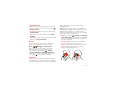
1 Make sure the device you are pairing with is in
discoverable mode.
Note: Refer to the guide that came with the device
for details.
2 Touch Menu
> Settings > Wireless & networks
> Bluetooth settings.
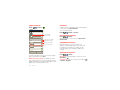
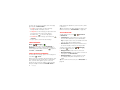
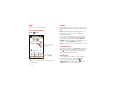
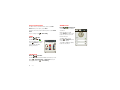
3 Touch Bluetooth to turn on and scan. If Bluetooth
power is already on, touch Scan for devices.
4 Touch a device to connect.
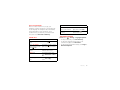
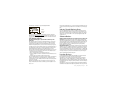
5 If necessary, touch OK, or enter the device passkey
(like 0000) to connect to the device. When the device
is connected, the Bluetooth connected indicator
appears in the status bar.
44
Wireless