1
Specifying the Device Option
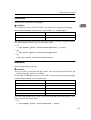
Orientation
Select the feed direction of the paper.
1
Limitation
❒ Possible only when PCL5e or PDF is not selected as the printer language.
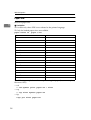
orientation=feed direction (portrait or landscape)
Orientation
value
Portrait
portrait
Landscape
landscape
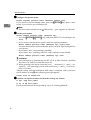
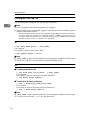
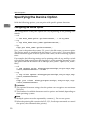
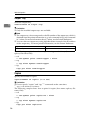
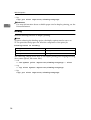
The following sample shows how to print the paper vertically using the orientation function (host name : nphost, file name : file1).
• rsh
% rsh nphost print orientation=portrait < file1
• rcp
% rcp file1 nphost:orientation=portrait
• ftp
ftp> put file1 orientation=portrait
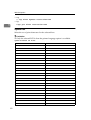
Resolution
Select the printing resolution.
Limitation
❒ If you want to select the 300 dpi option, only the selected PCL5e from the
printer language option is available.
❒ 300, 600, or 1200 dpi can be set when PDF is selected as the printer language.
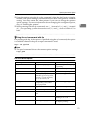
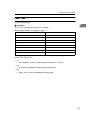
resolution=value of resolution
Resolution
Value
200 dpi
200
300 dpi
300
400 dpi
400
600 dpi
600
1200 dpi
1200
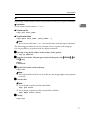
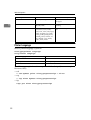
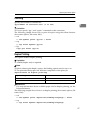
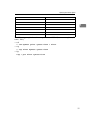
The following sample shows how to print with 600 dpi and better quality. (host
name: nphost, file name: file1).
• rsh
% rsh nphost print resolution=600 < file1
29