1
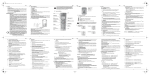
Operating Elements
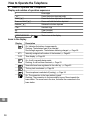
3 Operating Elements
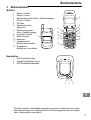
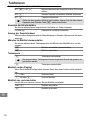
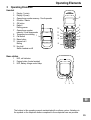
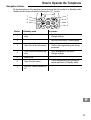
Handset
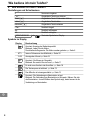
1
2
3
4
5
6
Display 1 (outer)
Display 2 (inner)
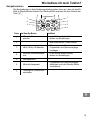
Open phone number memory / Scroll upwards
R−button / Delete
OK button
Redial /
Dialling pause
7 Open phone number
memory / Scroll downwards
8 Temporary tone dialling 1
9 Call button
10 Menu button
11 Internal call /
Muting
12 Key lock /
Switch handset on/off
2
3
12
4
11
5
10
6
9
7
8
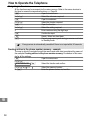
Base station
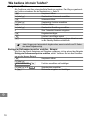
1
2
3
LED, call indicator
Paging button (locate handset)
LED, battery charge control lamp
1
2
3
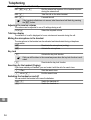
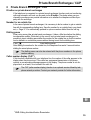
The buttons in this operating manual are depicted with a uniform contour. Variations in
the symbols on the telephone buttons compared to those depicted here are possible.
29