1
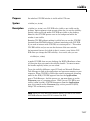
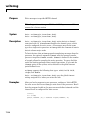
cd
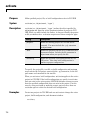
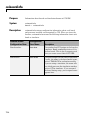
Purpose
Change CCS IDE working directory
Syntax
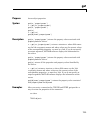
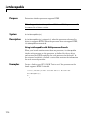
cd(cc,'directory’)
wd = cd(c,'directory')
cd(cc,pwd)
Description
cd(cc,'directory’) changes the CCS IDE working directory to the
directory identified by the string dir. For the change to take effect, dir
must refer to an existing directory. You can give the directory string
either as a relative path name or an absolute path name including the
drive letter. CCS IDE applies relative path names from the current
working directory.
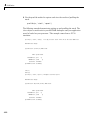
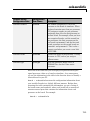
wd = cd(c,'directory') returns the current CCS IDE working
directory in wd.
Using cc to change the CCS IDE working directory does not affect your
MATLAB environment working directory or any MATLAB environment
paths. Use the following function syntax to set your CCS IDE working
directory to match your MATLAB environment working directory.
cd(cc,pwd) where pwd calls the MATLAB function pwd that shows your
present MATLAB working directory and changes your current CCS IDE
working directory to match the path name returned by pwd.
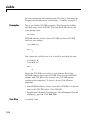
Examples
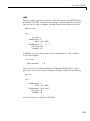
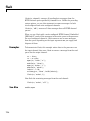
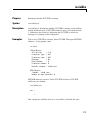
When you open a project in CCS IDE, the folder containing the project
becomes the current working folder in CCS IDE. Try opening the
tutorial project volume.mak in CCS IDE. volume.mak is in the tutorial
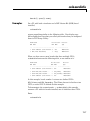
files from CCS IDE. When you check the working directory for CCS IDE
in the MATLAB environment, you see something like the following
result
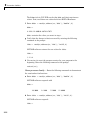
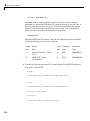
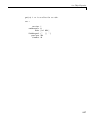
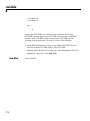
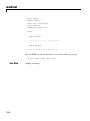
wd=cd(cc)
wd =
D:\ticcs\c6000\tutorial\volume1
7-20