1
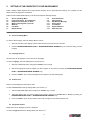
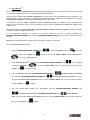
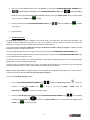
To Select a program:
1.
Press the JustGo™ key
2.
.
In Learn Program, choose Select a Program using the INCREASE/DECREASE SEGMENT keys
to validate.
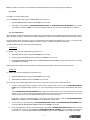
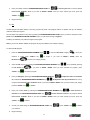
Enter your Weight by pressing the INCREASE/DECREASE LEVEL keys
of +/–10 and the INCREASE/DECREASE SEGMENT keys
to adjust the value in increments
to adjust the value by increments of +/–1 or by
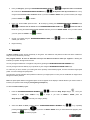
using the QUICK RESISTANCE NUMERIC KEYS if you have an E250X / E390X. Once you have entered your weight,
press the JustGo™ key
3.
to validate.
Begin exercising.
Note: The exercise level option is not available when you select an exercise using Edit Program.
c)
Statistics
This option allow a user to view is own training statistics. Remember that you must create a User ID to use this option, (see
section 2.8).
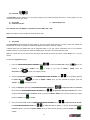
To view statistics :
1.
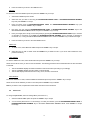
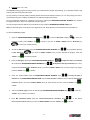
Press the INCREASE/DECREASE SEGMENT keys
to select the Custom Program category
your selection is made, press JustGo™ key
Custom Program key
2.
to accept. If you have an E250X / E390X, press the
to access your category directly.
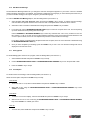
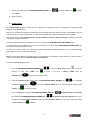
Choose Statistics by pressing the INCREASE/DECREASE SEGMENT keys
Custom Program key
.Once
, or by repeatedly pressing the
if you have an E250X / E390X. Once you selection is done, press JustGo™ key
to access the program.
3.
•
•
•
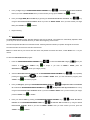
Select the User Id name and press JustGo™. The following parameters will be displayed is the Used id is activate:
TOTAL DISTANCE displays the distance traveled for the entire exercise.
CALORIES BURNED display the approximate caloric expenditure for the entire exercise.
TOTAL EXERCISE TIME displays the length of the exercise in minutes and seconds.
38