1
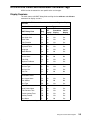
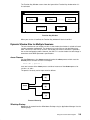
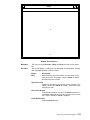
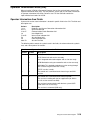
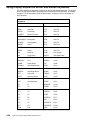
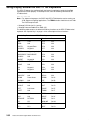
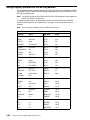
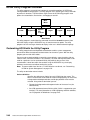
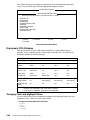
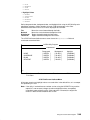
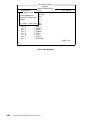
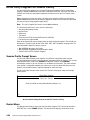
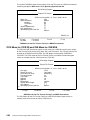
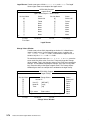
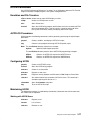
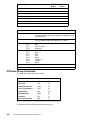
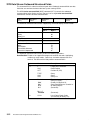
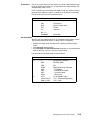
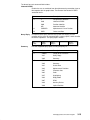
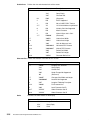
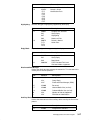
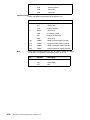
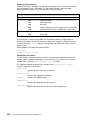
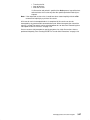
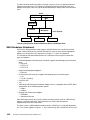
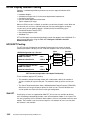
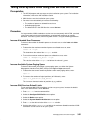
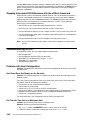
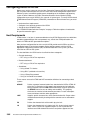
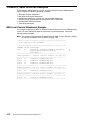
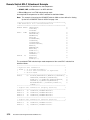
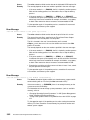
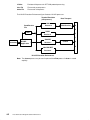
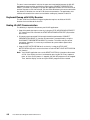
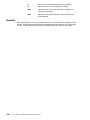
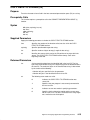
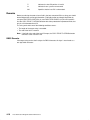
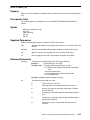
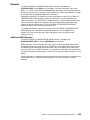
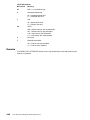
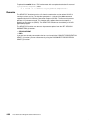
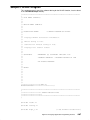
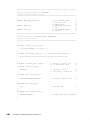
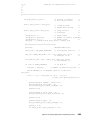
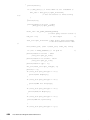
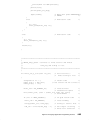
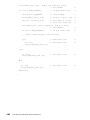
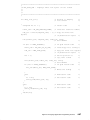
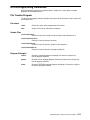
The Heading and Message Fields figure shows the HCON utility program Main Menu with a
heading and message field in bold face type.
HCON Utility Program
Main Menu
Move the cursor to the entry you want and press <enter>.
Color Redefinition
Keyboard Redefinition
Explicit File Transfer
Logon Facility
Logoff Facility
Configure AUTOLOG profiles (genprof)
=>
You have pressed a key that is not valid
F1–help
F2–refresh
F3–exit
Heading and Message Fields
2-46
Host Connection Program Guide and Reference