1
8512780.book Page 41 Tuesday, October 23, 2007 10:24 AM
www.emachines.com
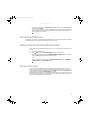
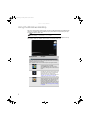
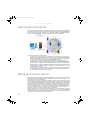
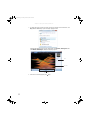
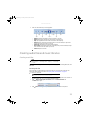
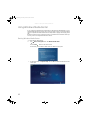
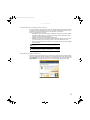
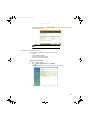
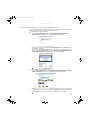
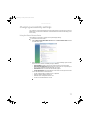
3 Use the remote control navigation buttons to select a Media Center menu option, then
press OK.
• TV + Movies lets you play TV programs you have recorded, play a DVD or Blu-ray movie,
or set up your TV tuner card (if installed).
• Online Media lets you play online games.
• Tasks lets you set up your display and media types, shut down or restart your computer,
•
•
burn an optical disc (CD or DVD), and synchronize with another digital media device (such
as an MP3 player).
Pictures + Videos lets you view individual pictures, pictures in a slideshow, or select
movies from your video library.
Music lets you select songs from your music library, set up and use your FM radio tuner
card (if installed), and play music playlists.
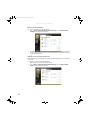
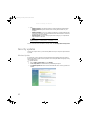
4 To exit Windows Media Center, click the X in the upper-right corner of the screen.
41