1
Operation Instructions
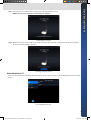
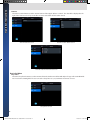
Changing Channels
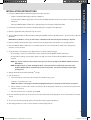
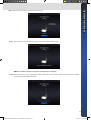
To change channels while watching live TV, swipe fingertips over the screen either right or left, or after touching the screen
once, use the drop down menu from the top of the screen to switch to another channel. The same action can be also
performed using the left and right arrows beside the current channel name on the top bar.
Drop Down Channel Selection Menu
Left and Right Channel Selection Arrows
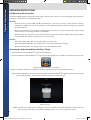
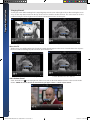
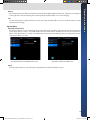
Pause Live TV
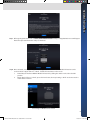
Tap the screen once while watching live TV and the controls bar will appear on the screen. Press the Pause icon to pause
live TV. To continue watching the paused content, press the Play icon.
Controls Bar While Live TV is Playing
Controls Bar When Live TV is Paused
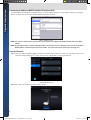
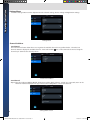
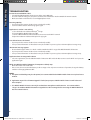
Audio Volume Control
Select the Audio icon
at the top right side of the screen, and use the slide switch to increase or decrease the media
volume. NOTE: The volume can also be controlled using the Apple® iPhone® or iPad® volume control.
Audio Volume Control
8
128-9250a WIDTV1 MobileTV User's Guide APPLE 11 26 2013.indd 10
11/26/2013 11:26:25 AM