1
4.2 Creating and Activating an Account from Router Web
Configurator
You, also can created and register a new account from the web configurator of the VigorPro
router.
1.
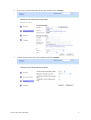
Open a web browser on your PC and type http://192.168.1.1. A pop-up window will open to
ask for username and password. Do not type any word on the window and click OK.
2.
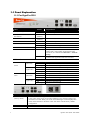
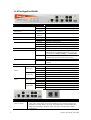
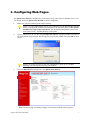
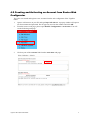
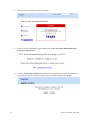
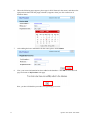
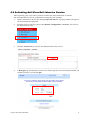
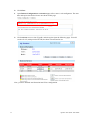
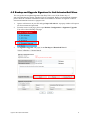
From the router’s web page, please open Defense Configuration >>Activation. You will
see the following web page.
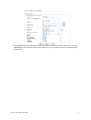
3.
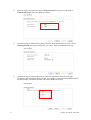
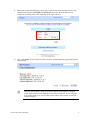
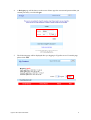
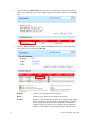
Click any one of the Activate link from the Activation web page.
VigorPro 5510 Quick Start Guide
17