1
4 Preparing drinks at the touch of a button
4 Preparing drinks at the touch of a button
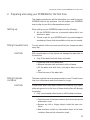
This chapter will explain how to prepare coffee specialities, milk and
hot water.
Chapter 3, ‘Familiarising yourself with the control options’, will teach
you how to adjust the settings to your personal preferences.
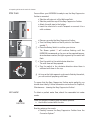
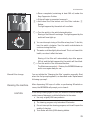
o You can stop the machine at any time while a coffee speciality
is being prepared. To do this press the Rotary Switch.
@ You can also try out the preparation of coffee specialities
online. Visit the Knowledge Builder on www.jura.com.
Espresso and coffee
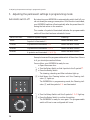
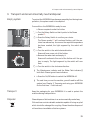
All speciality coffees (espresso a and coffee d) are prepared following this model.
Example: this is how to prepare a coffee.
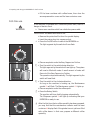
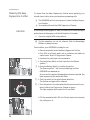
l Place a cup under the coffee spout.
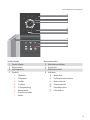
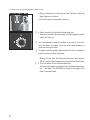
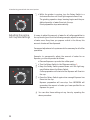
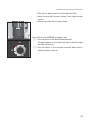
ä l Turn the Rotary Switch to the 1 coffee setting d.
m l Press the Rotary Switch to initiate preparation of the coffee.
The 1 coffee symbol d will now flash, and the pre-set amount
of water will flow into the cup.
Drink preparation stops automatically.
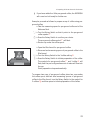
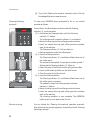
To prepare two cups of coffee, place two cups under the coffee spout
and turn the Rotary Switch to the symbol for 2 coffees f, then press
the switch to initiate coffee preparation.
Cappuccino
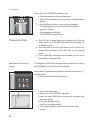
Precondition: your IMPRESSA is ready to use, the Easy Cappuccino
Frother is mounted.
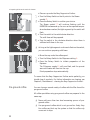
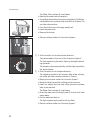
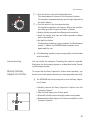
l Take the milk pipe out of the Welcome Pack.
l Take the protective cap off the Easy Cappuccino Frother.
l Attach the milk pipe to the frother.
l Insert the other end in a milk Tetrapack or connect it to a
milk container.
21