1
Rugged Computing
※ Warm-swap function operation manual
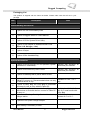
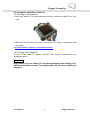
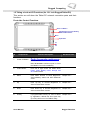
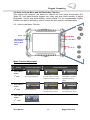
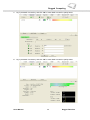
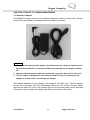
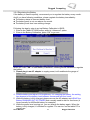
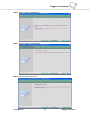
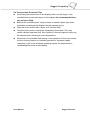
Step1. When the main battery pack status in lower than 20% you will see the warning red light blinking in
LED.(See detail at Chapter 1.3). You can hold “F3” button for 4sec to turn the Windows System
into S3 (sleep) mode.
Step1.
Hotkey Push F3 4
sec to turn into
Sleep mode
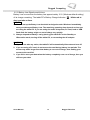
Note: Before you start to use the “Warm-swap” function, check with your system that with a
warm-swap battery with proper model number.
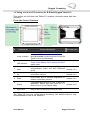
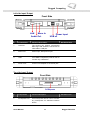
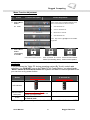
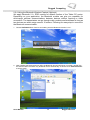
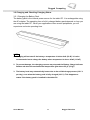
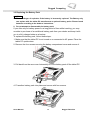
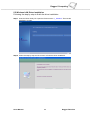
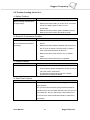
Step2. Check the Battery LED status to be consistent “red” means the Operation System stay in
sleep mode. Change the battery pack with another battery. (Reference by Chapter 3.3
Replacing the Battery Pack)
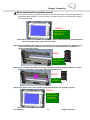
Step2.
Take off the
Main Battery by
4 screws
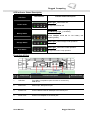
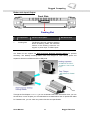
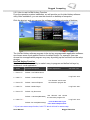
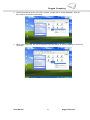
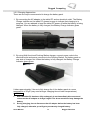
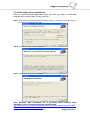
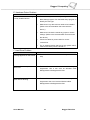
Step3. Plug in another new battery and screw tight the four screws. After the Tablet PC system
detect to a new battery. The battery LED red light will turn off.
Step3.
Change to a
new Battery
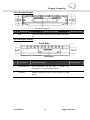
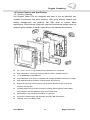
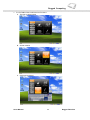
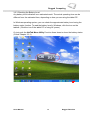
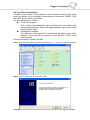
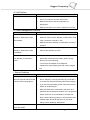
Step4. Hold “Power” Key 4 sec. to wake system up and back to the operating system.
Step4.
PUSH Power
Button to back
to Operating
(S0) mode
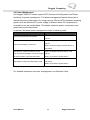
Notice: Low Battery Warning
Users Manual
35
Rugged Table PCs