1
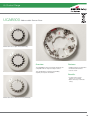
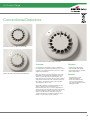
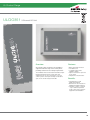
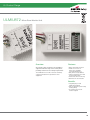
CB2E & CB - Conventional Detector Bases
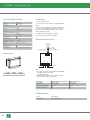
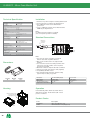
Installation
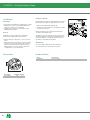
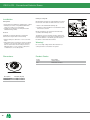
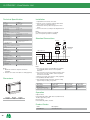
Utilising Locking Tab
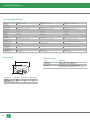
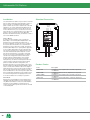
Wiring Hints
Mounting base includes an optional feature to prevent
the removal of the detector without the use of a tool.
• Each terminal is suitable for clamping up to 2 wires.
• Clamping of 2 wires of very different diameters
under one screw is not commended.
• Suitable for mounting to mounting boxes with
50-80mm fixing centres.
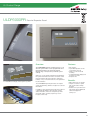
1. Remove the standard fit retaining clip.
2. Insert the locking clip which is located at the centre
of the base as shown.
1
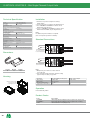
Mount the detector onto the base and rotate fully
clockwise until it finally clicks.
General
If difficulty is experienced when mounting the
detector, this may be due to the following:
• Wiring causing an obstruction - move or shorten
wires.
• Although the base is tolerant to uneven mounting
surfaces, a very uneven surface may cause the
base to deform when the mounting screws are
tightened down - loosen screws to reduce this
or slide base to a more flat position.
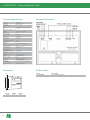
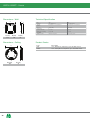
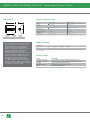
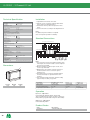
Dimensions
The detector is now locked into position. Remove by
utilising a suitable tool (eg a thin screwdriver) into the
hole in the detector cover. Gently push the tool into
the detector and rotate anticlockwise.
Warning!
Do not use high voltage testers when detectors or
control panel are connected to the system.
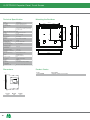
Product Codes
Code
CB2E
CB
D
Dia
Description
Detector Base
Wide Base
18
Dia (mm) D (mm)
102
22
158
22
Description
Detector Base
Wide Detector Base
2