1
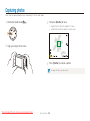
Capturing photos
Digital zoom
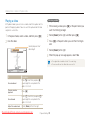
Zooming
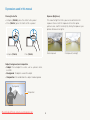
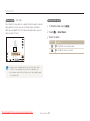
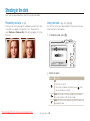
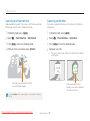
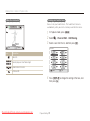
You can capture close-up photos by adjusting the zoom. Your
camera has an 18X Optical zoom and 4X Digital zoom. You can
also use a 24X Smart zoom and 3X Digital zoom to zoom in on a
subject with less quality deterioration.
ÒAhMs
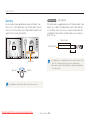
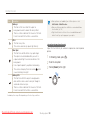
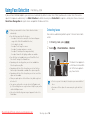
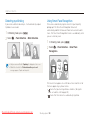
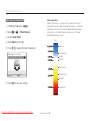
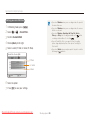
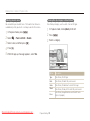
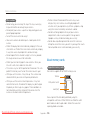
The Digital zoom is supported by default in Shooting mode. If you
zoom in on a subject in Shooting mode and the zoom indicator
is in the digital range, your camera is using the Digital zoom. By
using both the Optical zoom and Digital zoom, you can zoom in
up to 72 times.
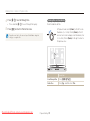
Optical range
Zoom indicator
Digital range
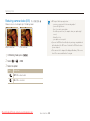
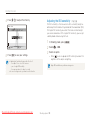
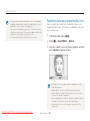
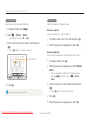
• The Digital zoom is not available with the Face detection option, Smart
Zoom ratio
Filter effect, Tracking AF option, Drive option, or Manual Focus.
• If you capture a photo with the Digital zoom, the photo quality may be
lower than normal.
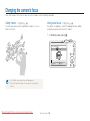
Zoom out
Zoom in
The available zoom ratio for videos differs from the photo zoom ratio.
Downloaded From camera-usermanual.com
Basic functions 26