1
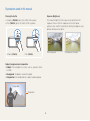
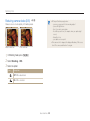
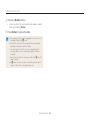
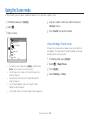
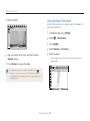
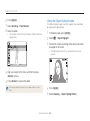
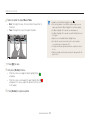
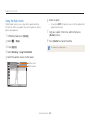
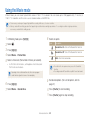
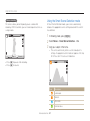
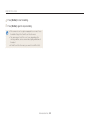
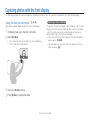
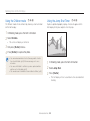
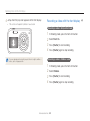
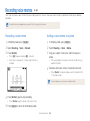
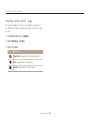
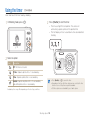
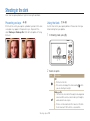
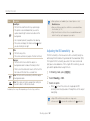
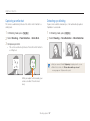
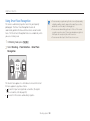
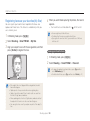
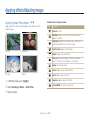
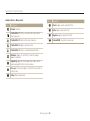
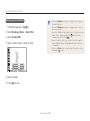
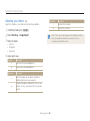
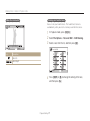
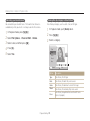
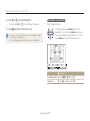
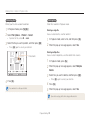
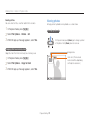
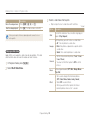
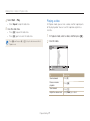
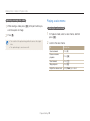
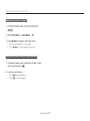
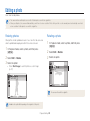
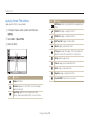
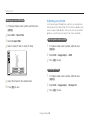
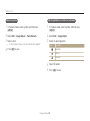
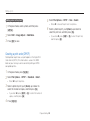
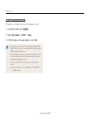
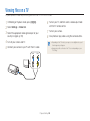
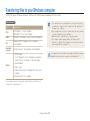
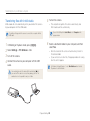
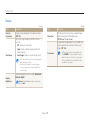
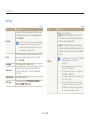
Editing a photo Learn how to edit photos. • The camera will save edited photos as new files. Rotated photos overwrite the original files. • When you edit photos, the camera will automatically convert them to a lower resolution. Photos that you rotate or resize manually are not automatically converted to a lower resolution. Rotated photos overwrite the original files. Resizing photos Rotating a photo Change the size of a photo and save it as a new file. You can also select a photo to be displayed when the camera turns on. 1 In Playback mode, select a photo, and then press [m]. 2 3 Select Edit Rotate. 1 In Playback mode, select a photo, and then press [m]. 2 3 Select Edit Resize. Select an option. Select an option. • Select Start Image to save the photo as a start image. (p. 97) Right 90˚ 1984 X 1488 Back Move The camera will overwrite the original file. Back Move Available resize options differ depending on the original size of the photo. Playback/Editing 80