1
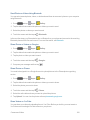
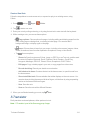
Note: The first time you access a channel that requires a subscription, you will be prompted to purchase access. Touch Subscribe to purchase access, or touch Preview to see a preview of the selected channel.
Tip: For quick access, touch a featured item in the center of the screen or select a live channel from the bottom bar.
Music Apps
Your phone lets you discover, download, and listen to your favorite music through a variety of applications.
Note: For information about loading music onto your phone, see Transfer Files Between Your Phone and a Computer.
Google Play Music
Google Play Music lets you browse, shop, and play back songs purchased from the Google Play Store app, as well as songs you have loaded from your own music library. The music you choose is automatically stored in your Google Music library and instantly ready to play or download.
For more information about Google Play Music, visit music.google.com.
Note: For information about loading music onto your phone, see Transfer Files Between Your Phone and a Computer.
Note: Play Music is part of the Google group of apps.
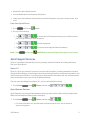
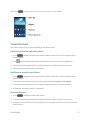
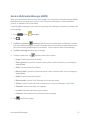
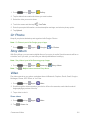
n Press and tap Apps > Google >
Play Music. Music
The Music app plays music files. Use Music to browse your music library, play songs, and create playlists. You can also set songs as ringtones for incoming calls, or as alarm tones.
Note: For information about loading music onto your phone, see Transfer Files Between Your Phone and a Computer.
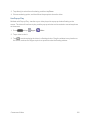
When you close the Music screen, playback will continue in the background, so you can listen to music while you use other features of your phone. When music is playing in the background, you can access playback controls from Notifications.
Play Music
1. Press and tap Apps and Entertainment
Apps > Music. 76