1
24571.1 en.qxd
31-08-2005
11:59
Pagina 22
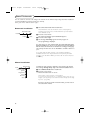
Demo
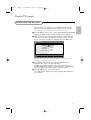
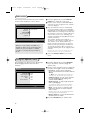
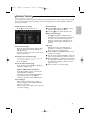
The Demo menu allows to demonstrate the TV features
separately or in a loop.
TV
Setup
Demo
Install
Ambilight
Teletext
Active Control
TV menu
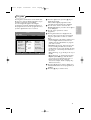
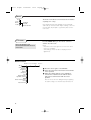
Press the i key to get
information about the selected
menu item.
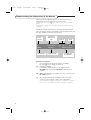
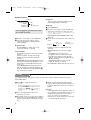
Note: Toggling through all the Ambilight modes will display
each mode for 10 seconds each. Before switching to the next
mode the light will first fade to off and then fade up in the
next mode.
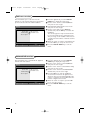
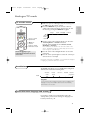
Press the MENU TV key on the remote control to
summon the main menu.
Notes:
- Dependent on the input signal, one or more menu items
may not be selectable.
- Some analogue menus can also be displayed when in
digital mode.
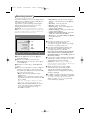
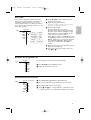
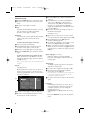
Picture menu
Picture Sound Ambilight Features
TV
Smart picture
Contrast
Brightness
Colour
Sharpness
Tint
Digital options
Dynamic contrast
DNR
Colour enhancement
(Hue)
Picture format
22
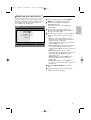
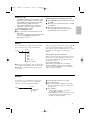
& Press the cursor right to select Picture.
é Select the menu items in the Picture menu with the
cursor up/down.
“ Adjust the settings with the cursor left/right or
enter the list of submenu items with the cursor
right. Select a submenu item with the cursor
up/down.
Note: To remove the menu background before adjusting
the picture settings, see Select TV setup, General, p. 20.